
manta-show
English | 简体中文
An MCP server that lets AI agents (Cursor, Claude Code, etc.) capture showcase-ready product media: high-quality screenshots and demo videos (mp4) of web pages, Electron apps, and CLI tools, ready to drop into READMEs and docs.
- No OS-level screen recording — capture happens at the Chromium render layer (Playwright / CDP): no screen-recording permission, no window flicker, CI-friendly
- Zero-intrusion CLI capture — node-pty intercepts the TTY stream; output renders in an xterm.js replay page that gets recorded
- Unified media pipeline — all videos come out as
mp4 (H.264, yuv420p); screenshots return directly as MCP image content - Designed for agents — session-based fine-grained tools, recoverable error messages, markdown reference snippets built into every response
Demo
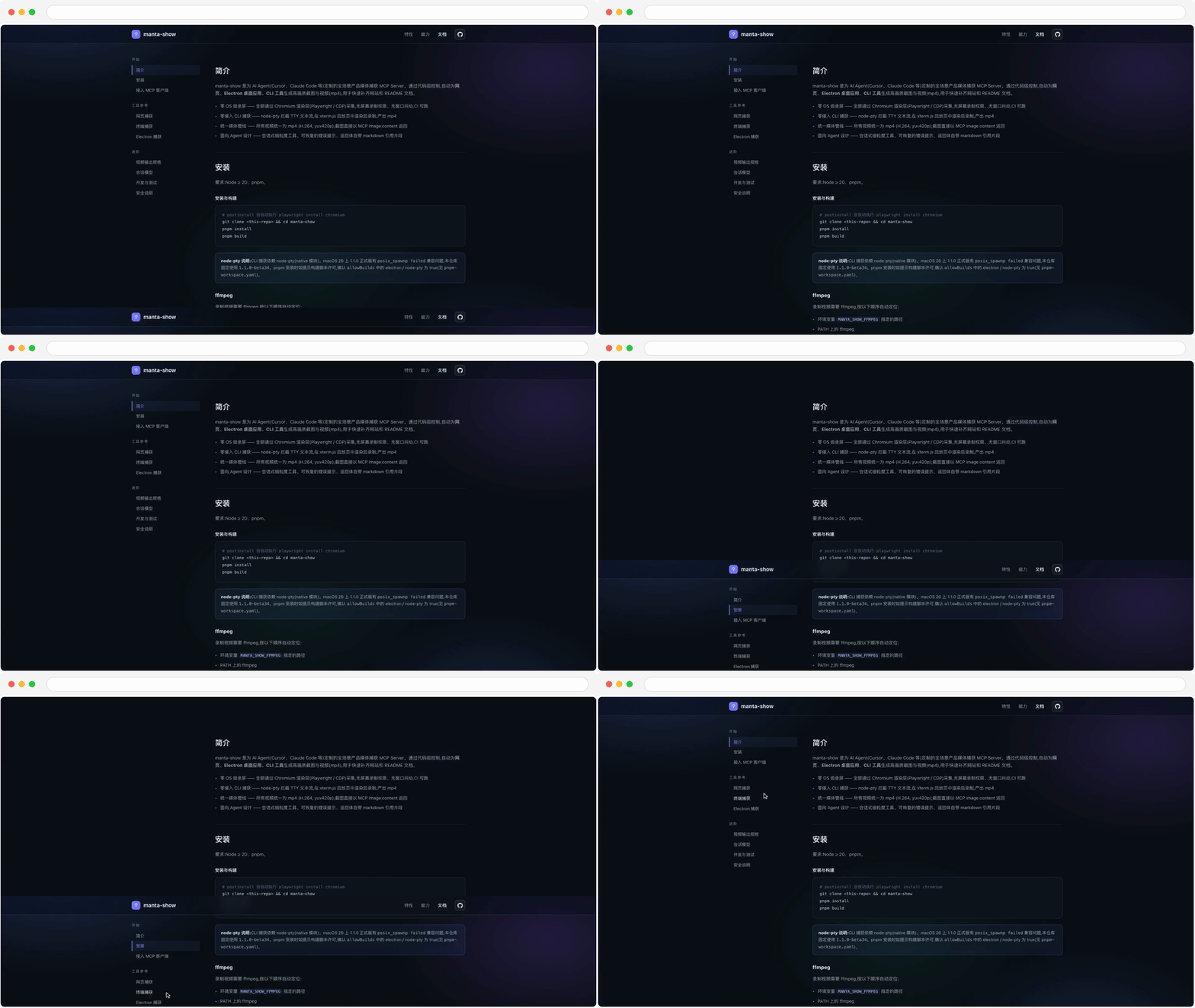
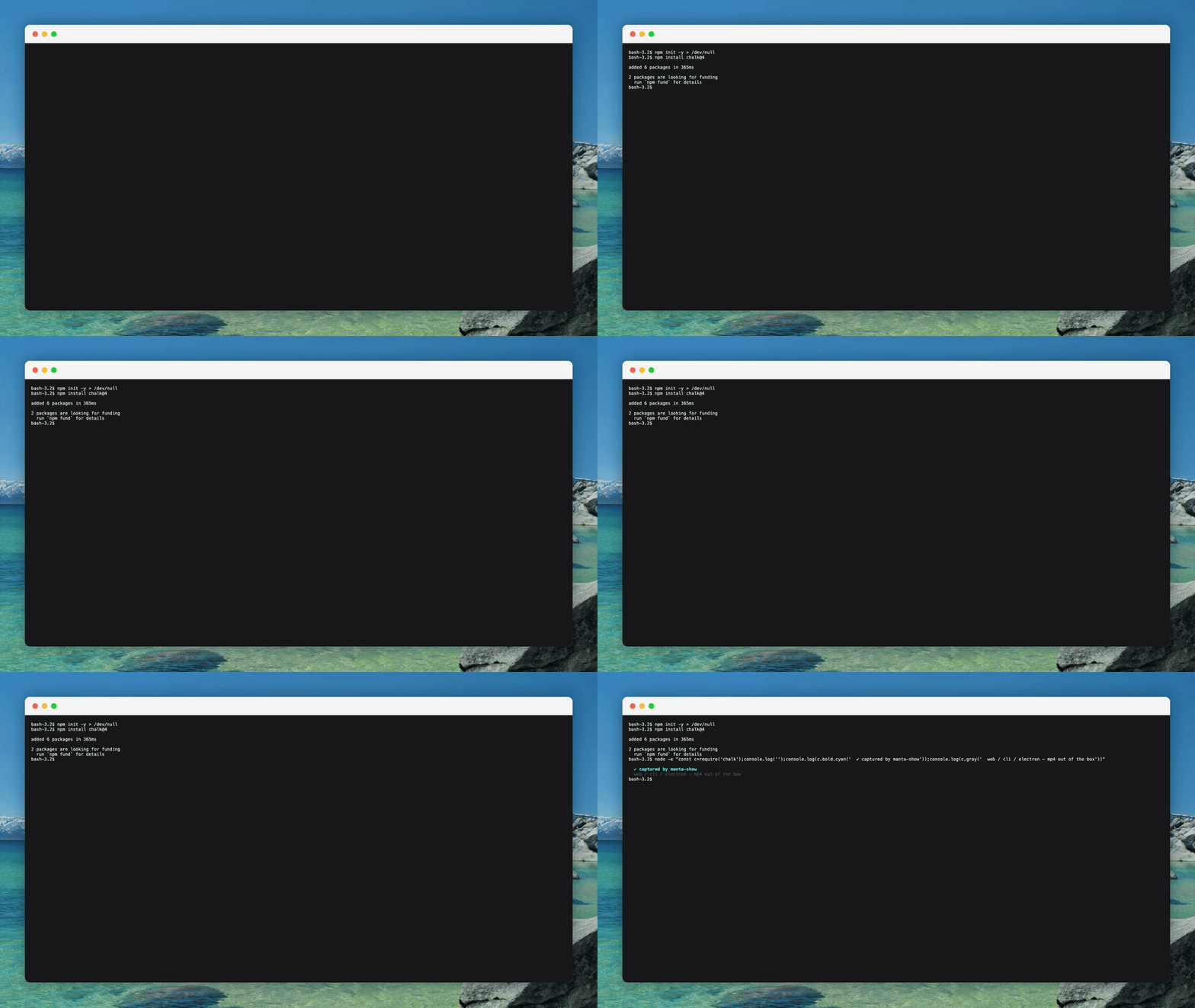
All assets below were produced by manta-show itself (the web one via batch-steps recording, the terminal one by live-driving npm install); regenerate anytime with pnpm demos:
How it compares
manta-show isn't a replacement for these tools — the division of labor is different. Playwright MCP excels at interaction automation, vhs at scripted CLI demos, OS recorders at human freehand; manta-show focuses on the one link they don't cover: an agent-driven media-output pipeline.
Getting started
Add it to your MCP client config. Claude Code (project-level .mcp.json or ~/.claude.json):
{
  "mcpServers": {
    "manta-show": {
      "command": "npx",
      "args": ["-y", "@manta-show/mcp"]
    }
  }
}
Cursor (~/.cursor/mcp.json) uses the same shape. If installed globally (npm install -g @manta-show/mcp) you can use the manta-show binary directly. You can also run manta-show init: it detects installed AI agents, writes their configs, then prepares the environment — detects Chromium / ffmpeg and installs whatever is missing in one confirmed, progress-displayed download (via the npmmirror mirror). Ready to use right after.
To re-check or repair the environment later:
manta-show doctor
Media artifacts land in a fixed directory, ~/.manta-show/media (screenshots / videos prefixed web- / terminal- / electron- by source); manta-show recordings / manta-show clean list and clean it.
Environment variables (all optional):
To persist any of these without exporting them, use manta-show set --env MANTA_SHOW_LANG=zh-CN (repeatable --env); values are stored in ~/.manta-show/config.json and applied on startup. A variable exported in the real environment always wins over the saved value.
Tool reference
All three recording kinds (web / terminal / Electron) default to a unified 1920×1080 (16:9) output — proportionally scaled and centered with letterboxing (white for browser chrome, dark for terminal) — and *_record_stop accepts fit: 'native' to keep the recording's original size.
- Decorations: recording tools accept
decorateto overlay macOS visual chrome (browser window, terminal window, desktop wallpaper), on by default;'none'for raw footage. Recordings also inject a synthetic mouse cursor (follows real movement, click ripples) by default —cursor: falsedisables it - Selectors: interaction tools accept full Playwright selector syntax (
text=Login,role=button[name="Submit"],xpath=…) alongside CSS — usually driven straight from the snapshot's accessibility tree - Sessions: every interaction tool takes an optional
sessionId; omit it to act on the most recently active session of that kind (auto-reclaimed after 10 minutes idle). Agents rarely need to pass it
Web (Playwright Chromium, headless, 2x DPR by default)
Typical flow: browser_open → browser_snapshot to find selectors → browser_click/browser_type to interact → browser_record_start → demo actions → browser_record_stop for the mp4 → paste the returned markdown snippet into your README.
For choreographed demos use batch mode: one call runs the whole sequence and returns the finished mp4 (steps supports click / hover / type / press / scroll / evaluate / wait; a mid-sequence failure still stops and exports the completed portion):
{
  "decorate": "browser",
  "steps": [
    { "type": "click", "selector": "text=Login" },
    { "type": "type", "selector": "#q", "text": "manta-show", "submit": true },
    { "type": "wait", "ms": 800 },
    { "type": "scroll", "dy": 600 }
  ]
}
CLI tools (node-pty + xterm.js replay page)
Two usage patterns with different semantics:
openruns the command directly (e.g.command: "npm") — the command starts as an argument; only its output is recorded, the command itself never appears in frame. Good for one-shot CLIs and CI-style scenes- To show "the command being typed and run" — open an interactive shell first (
command: "bash",args: ["-i"]), then send the command viaterminal_send. The TTY echoes the typing into frame, indistinguishable from a human at the keyboard
Container isolation
Every CLI state lives on the filesystem, so re-recording the same command goes wrong from leftovers (already installed, file exists, cache hit). Pass isolation: 'container' on terminal_open to run the command in a throwaway Docker container — same mechanism as a CI runner; the command and all its state changes stay fully isolated and the container is destroyed on exit:
{
  "command": "npm",
  "args": ["install", "-g", "@some/cool-pkg"],
  "isolation": "container",
  "image": "node:22"
}
Every take is a genuine first install; the host stays untouched. image pins a version for reproducibility. With cwd, that directory mounts at /workspace (generated files are inspectable from the host); without it the container filesystem is self-contained. Requires Docker or Podman locally (OrbStack / colima recommended on macOS; manta-show doctor checks and gives install hints).
Electron apps (Playwright _electron)
Security
browser_evaluate executes arbitrary JS in the page and terminal_open starts arbitrary local processes — that is the tool's purpose (local development / documentation). Use it in projects you trust. See SECURITY.md for reporting vulnerabilities.
Development
Requires Node ≥ 20 and pnpm.
git clone <this-repo> && cd manta-show
pnpm install
npx playwright install chromium
pnpm build
pnpm dev        # tsc --watch
pnpm test       # fast unit tests (node:test, no browser needed)
pnpm test:e2e   # build + e2e (InMemoryTransport, covers all three lines)
pnpm demos      # regenerate the demo assets used by the README / website (website/media/)
pnpm start      # start the server on stdio
Repo layout (pnpm monorepo):
manta-show/
├── packages/mcp/        # @manta-show/mcp — the MCP server (bin: manta-show)
│   ├── src/  test/  dist/  assets/
├── packages/node-pty/   # node-pty fork sources + platform-package packing scripts
├── scripts/             # ffmpeg platform-package packing script (pack-ffmpeg.js)
├── website/             # project website (static: index.html + docs.html)
└── pnpm-workspace.yaml  # workspace and build-script allowances
To attach from source, use command: node, args pointing at packages/mcp/dist/index.js.
Native dependencies & publishing (node-pty / ffmpeg pipelines)
From npm 12 on, dependency install/postinstall scripts are blocked by default, so native binaries can no longer rely on compiling or downloading at install time. This repo solves it the same way for both native pipelines: split per platform into optionalDependency subpackages with the binary baked into the tarball and zero lifecycle scripts, with graceful fallbacks when a package is missing. Both are published by the same tag-triggered release workflow (each platform package's first version needs a one-time manual bootstrap publish from CI artifacts due to npm OIDC; fully automatic afterwards).
Upgrade procedures:
- node-pty: edit the fork sources in
packages/node-pty/→ bump the beta suffix in itspackage.json(1.1.0-beta34.x,scripts/increment-version.jshelps) → sync the dependency pin inpackages/mcp/package.jsonandminimumReleaseAgeExcludeinpnpm-workspace.yaml→ tag to publish. - ffmpeg: change the
FFMPEG_TAGconstant in the workflow (matches an ffmpeg-static release tag; package version = tag without theb) → re-pinscripts/ffmpeg-sha256.jsonandpackages/mcp/src/deps/ffmpeg.ts→ sync the optionalDependencies pin inpackages/mcp/package.jsonandminimumReleaseAgeExcludeinpnpm-workspace.yaml→ tag to publish.
Troubleshooting
- ffmpeg not found: located in order
MANTA_SHOW_FFMPEG→ PATH → Homebrew defaults (/opt/homebrew/bin,/usr/local/bin) →~/.manta-show/bin(init/doctor download, sha256-verified) → the bundled@manta-show/ffmpeg-<platform>-<arch>package. Failed lookups aren't cached — once installed (e.g.brew install ffmpeg) the next recording picks it up without restarting the MCP server. Note Playwright's own ffmpeg is a trimmed build (no libx264) and cannot be used here. - node-pty launch failure (macOS 26): CLI capture depends on node-pty; 1.1.0 GA has a
posix_spawnp failedcompatibility issue on macOS 26, so this repo pins1.1.0-beta34. - pnpm blocking build scripts: make sure
electron/node-ptyaretrueinpnpm-workspace.yamlallowBuilds. - Restricted networks: the bundled ffmpeg ships as script-less platform packages on npm (mirrored automatically by npmmirror), so installing needs no GitHub access; only on platforms the packages don't cover does
manta-show doctorneed to download ffmpeg from the npmmirror mirror once.
Contributing
See CONTRIBUTING.md. Bug reports and feature requests go through the issue templates.
License
MIT, see LICENSE. The @manta-show/ffmpeg-* platform packages redistribute GPL-licensed FFmpeg builds and are licensed GPL-3.0 accordingly.