VibeBasket
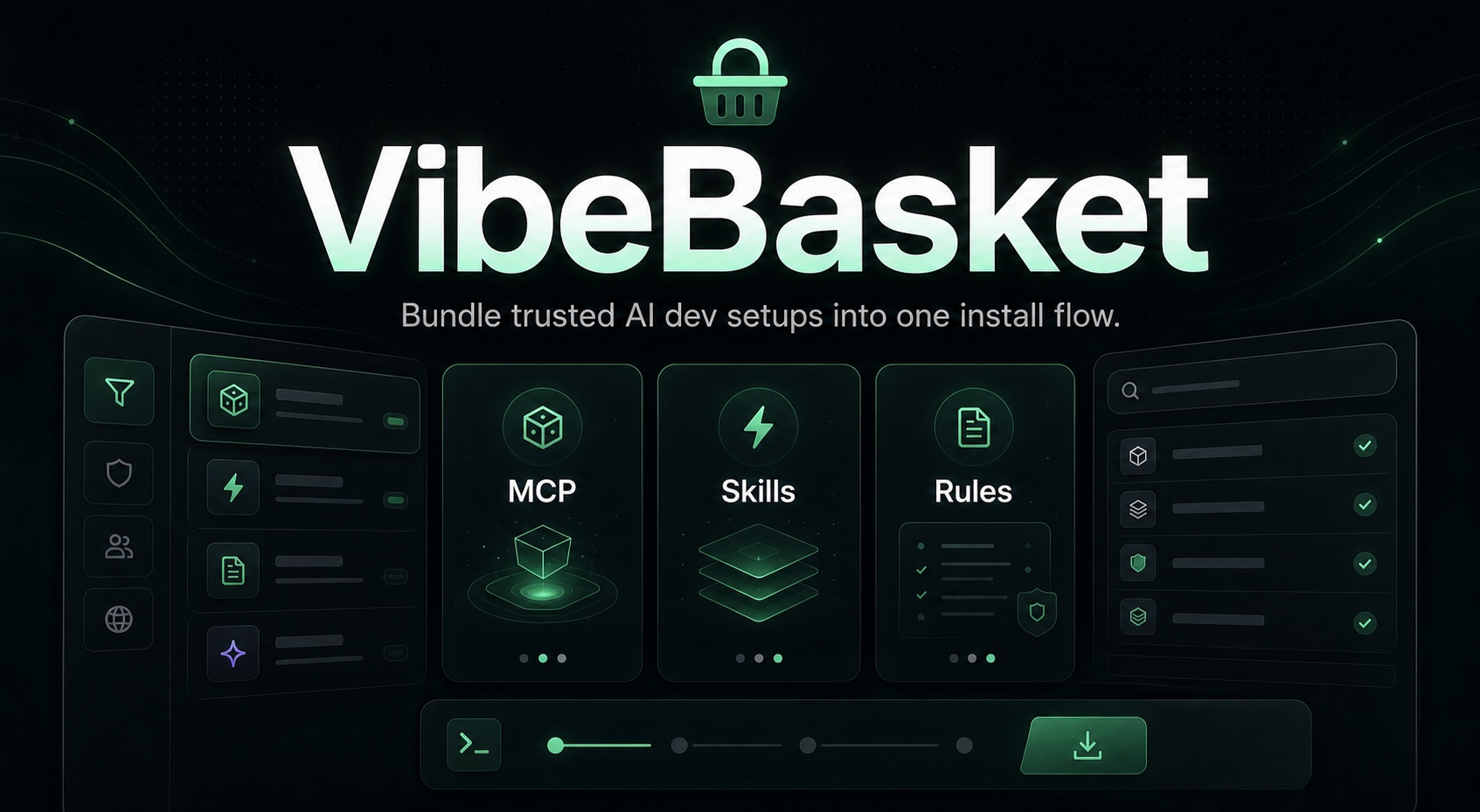
Bundle trusted MCP servers, agent skills, and project rules into one shareable install command. Apply across 30 AI IDEs and CLI tools with a single link.
Table of Contents
- What is VibeBasket?
- Who It's For
- What It Is Not
- Supported Targets
- Core Capabilities
- Quick Start
- CLI Usage
- Local MCP
- Configuration
- Self-Hosting
- Architecture
- Docs Map
- Security
- License
What is VibeBasket?
VibeBasket helps you stop configuring MCP servers, skills, and rules one tool at a time.
Browse a trusted catalog, select what you want, and generate one npx command that applies the bundle across the AI IDEs and CLI tools you actually use.
npx vibebasket apply https://vibebasket.dev/api/bundle/cj2k9x
Start here:
- Hosted app: vibebasket.dev
- npm package: npmjs.com/package/vibebasket
- Self-host guide: SELF_HOSTING.md
Who It's For
- Standardizing MCP-heavy setups across multiple AI IDEs and terminal tools
- Turning one curated stack into a repeatable install flow for a team or project
- Keeping install behavior idempotent so re-applying a bundle is safe
- Letting self-hosters run the whole stack on a single VPS without adding Redis, Postgres, or extra infra
What It Is Not
- A hosted secrets manager for end-user runtime credentials
- A multi-node control plane with shared cache/state infrastructure by default
- A universal package manager for arbitrary IDE extensions outside MCPs, Skills, and Rules
Supported Targets (30 IDEs & CLI tools)
22 supported targets auto-install Skills. 9 supported targets auto-install Rules. All MCP-capable targets auto-install MCP servers.
Core Capabilities
Trusted catalog
- Thousands of items when synced from the MCP Registry, the public skills.sh catalog, and curated sources
- Trust tiers: Verified (curated), Official (explicit upstream certification), Community — no heuristic trust scoring
- FTS5 full-text search with prefix matching across display name, description, and source URL
- Filter by type, trust tier, freshness, and sort order
Catalog scope:
- MCP coverage is intentionally bounded by the official MCP Registry plus curated verified overrides
- Skills coverage comes from the public
skills.shcorpus plus curated verified overrides - If a popular MCP is not published in the official registry, it will not appear automatically until it is curated or the upstream registry adds it
Install engine
- One bundle can be applied across 30 supported targets
- Writes are idempotent and backup-aware
- If a target's MCP config is already in the requested state, the CLI skips both backup creation and the config write for that target
- Target capability checks prevent pretending every IDE supports the same surface
- Secrets are resolved locally by the CLI during apply
CLI
apply— Install bundles from URLs or local files (--force,--scope,--dry-run,--no-verify)list— Scan all 30 IDEs for installed MCPs, skills, and rulessearch— Search the catalog from terminaldoctor— Diagnose IDE configurations across all targetsinit— Scaffold a VibeBasket projectrollback— Restore from timestamped backups (run from the target project root for project-scoped configs)mcp serve— Expose a local stdio MCP server so AI IDEs can search catalog items, fetch target-native MCP config snippets, plan installs, apply bundles, inspect backups, and save local stacks without leaving the IDE
Admin and operations
- Manual catalog sync, backup management, storage config, and release-readiness checks
- FTS health checks, DB integrity checks, and cleanup actions
- User overview and admin allowlist management
Security model
- End-user runtime secrets never appear in bundle manifests and are prompted locally by the CLI; most targets then store them only in that machine's local IDE config surface
- AES-256-GCM encrypted storage credentials
- Sliding-window rate limiting on 8 API endpoints with Retry-After headers
- CSP and security headers enforced in production
- Path sanitization on all file operations
- 4 optional OAuth providers: GitHub, Google, Apple, Microsoft Entra ID
- GitHub Actions CI, CodeQL, gitleaks, Dependabot, and
NEXT_PUBLIC_*allowlist enforcement - pnpm install-time supply-chain guardrails: reviewed build-script allowlist, immutable lockfile installs in CI, blocked exotic transitive sources, and a 60-minute release-age delay for newly published packages
Backup and storage
- 6 backends: Local, AWS S3, Cloudflare R2, DigitalOcean Spaces, Azure Blob, GCS
- External-scheduler backups with configurable intervals
- Encrypted credentials stored in SQLite, never in environment files
- Backup restore works across local and supported cloud storage backends
Quick Start
Choose the path that matches what you are trying to do:
- Just use the hosted product: open vibebasket.dev, build a basket, copy the
npx vibebasket apply ...command, and run it locally - Prefer the published CLI package surface: use
npx vibebasket ...or inspect the package page at npmjs.com/package/vibebasket - Self-host on one machine: use Docker first
- Hack on the repo: use the manual workspace setup
If you deploy with Coolify, prefer Dockerfile mode. Build Pack mode is also supported via the repo-level nixpacks.toml.
Docker
git clone https://github.com/mhmtayberk/VibeBasket.git
cd VibeBasket
cp .env.example .env
# fill at least AUTH_SECRET and NEXTAUTH_URL before booting production mode
docker compose up -d
After first boot, either wait for the initial catalog bootstrap or run docker compose exec web node scripts/catalog-sync.mjs, then verify /api/catalog/status.
Manual
git clone https://github.com/mhmtayberk/VibeBasket.git
cd VibeBasket
cp .env.example .env
pnpm install
pnpm dev
After first boot, either wait for the initial catalog bootstrap or run pnpm catalog:sync, then verify /api/catalog/status.
Open http://localhost:3000.
CLI Usage
The official package name is vibebasket.
# Install from bundle URL
npx vibebasket apply https://vibebasket.dev/api/bundle/cj2k9x

# Install from a local bundle file
npx vibebasket apply ./bundle.json

# Options
npx vibebasket apply <url> --scope project --dry-run --force

# List installed configs
npx vibebasket list

# Search catalog
npx vibebasket search postgresql

# Environment check
npx vibebasket doctor

# Scaffold project
npx vibebasket init

# Restore from backup
npx vibebasket rollback

# Run the local MCP server for AI IDE integrations
npx vibebasket mcp serve
Example local bundle file:
{
  "schemaVersion": "0.1",
  "name": "Local example",
  "scope": "user",
  "targets": ["cursor"],
  "mcps": [],
  "skills": [],
  "rules": [],
  "workflowPacks": []
}
Local MCP
VibeBasket also exposes a local stdio MCP server through the published CLI:
npx vibebasket mcp serve
Current phase-1 MCP capabilities:
- search the hosted or self-hosted catalog
- fetch one catalog item by id
- inspect supported targets and target setup guidance
- return target-native MCP config snippets so IDE agents can wire VibeBasket MCP without guessing each client's config shape
- dry-run install plans before writes
- apply bundles through the real adapter pipeline
- list backups and restore them
- save and reload local stacks on the same machine
The hosted docs hub mirrors this surface with target-selectable native snippet previews so users can inspect representative JSON, YAML, and TOML merge fragments before wiring the local server into an IDE.
Current non-goal in this phase:
- cloud/profile-backed stack save is not linked inside local MCP yet; use the website for that path
When the target adapter detects that the generated MCP config is identical to the current on-disk config, vibebasket apply reports a no-op for that target and does not create a redundant backup snapshot.
Configuration
Most deployments only need a small subset to get started:
See .env.example for the complete environment surface and backup backend variables.
OAuth note: provider buttons appear only when the provider is both enabled and fully configured.
Self-Hosting
VibeBasket is currently optimized for single-node deployments: one app instance, one SQLite database, and no Redis or shared cache by default.
Start here:
Operational notes:
/api/healthis safe for container and orchestration health checks/api/catalog/statusexposes catalog freshness and the latest sync resultpnpm catalog:sync:strictis available as a pre-launch validation command- the main CI gate is
pnpm verify:ci
Architecture
Main parts of the repo:
packages/coreShared schemas, SQLite bootstrap, and database accesspackages/adapters30 IDE and CLI adapters with target-specific install logicpackages/registryCatalog sync from the official MCP Registry,skills.sh, and curated verified dataapps/webNext.js web app, APIs, auth flows, saved stacks, and admin surfacesapps/cliLocal installer CLI for apply, list, search, doctor, init, and rollbackcharts/vibebasketHelm chart for single-replica self-hosted deployments
Key patterns:
- idempotent config writes
- immutable bundle URLs
- DB-first configuration for admin-managed settings
- adapter capability checks instead of pretending every target supports the same surface
- FTS5-backed catalog search with persisted sync metadata
For more detail:
Docs Map
- CONTRIBUTING.md
- SECURITY.md
- CODE_OF_CONDUCT.md
- SELF_HOSTING.md
- docs/ARCHITECTURE.md
- docs/PROJECT_OVERVIEW.md
- docs/SETUP.md
- docs/PRODUCTION_READINESS_CHECKLIST.md
Security
Repository guardrails:
- CI runs a repo-level secret scan with
gitleaks. - Executable and config files are checked for
NEXT_PUBLIC_*usage, and only reviewed allowlisted names are accepted.
Report vulnerabilities via GitHub Security Advisories. See SECURITY.md for the full threat model.
License
MIT