
Saccade
Give an AI agent one browser tab it can safely own
Saccade connects a compatible MCP agent to one Chrome or Edge tab you authorize. The browser keeps a current semantic model of that tab, pushes only meaningful changes, and verifies each supported action locally.
Use it for the browser work that becomes fragile after the first click: signed-in admin pages, long or dynamic forms, iframe editors, uploads, and workflows where the page can change while the Agent is still working.
Watch the 44-second overview · Install the Extension · View the npm package
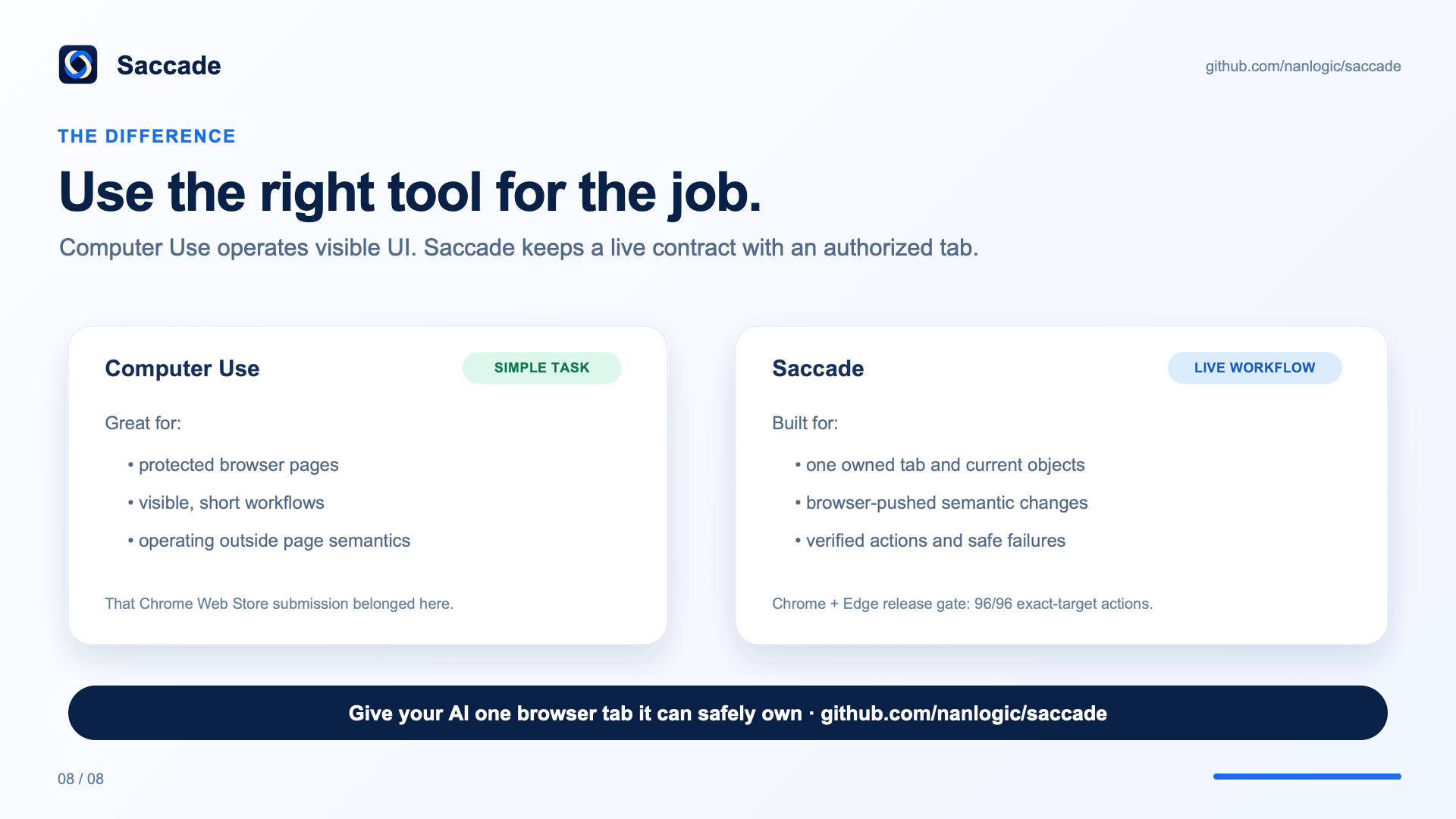
Desktop control is often enough for a short visible task. Saccade is for the longer job: keeping the same tab, document, revision, and objects straight as the page changes—and returning evidence instead of making the Agent guess what happened.
Latest release:
@nanlogic/saccade0.2.2 with Extension 0.4.7. This patch restores truthful runtime readiness and rejects stale Extension connections before command dispatch. Release notes · 0.2.0 Extension evidence
Development preview: debugging a moving 3D character

We are testing Saccade on Mythcastera, our browser-based 3D world. The development build pairs sampled WebGL frames with application-reported animation state, so an Agent can compare a visible problem with the state that produced it. Structured scene information requires an application bridge; it is not automatically recovered from arbitrary WebGL pixels.
Read the development story · 20-second town tour · 15-second character reel
The clips are manually staged development demonstrations. These visual and scene-inspection capabilities are not in the published 0.2.2 / 0.4.7 release. They do not establish full motion coverage or general-purpose WebGL diagnosis.
Start in two minutes
-
Install the Extension from the Chrome Web Store.
-
Configure Saccade and check the connection:
npx -y @nanlogic/saccade install npx -y @nanlogic/saccade doctor -
Restart the Agent client, open the tab you want it to use, and turn Saccade Agent On for that tab.
The setup command adds this MCP command to supported local Agent clients:
npx -y @nanlogic/saccade mcp
What it solves
- One exact tab per request. Every read and action names a leased
tab_id; each tab has one writer and stays isolated from other Agent sessions. - Current page state without polling. Ask for a bounded full view once, then read browser-pushed deltas after a known revision.
- Actions that wait and verify locally. Visibility, enabled state, stable geometry, topmost state, and current action authority are checked under one deadline. The receipt includes the resulting semantic transition.
- Safe recovery. A replaced object stays stale. An action with an ambiguous side effect is not replayed automatically.
- Less model work on forms. Independent fields can be preflighted and sent as one batch; submit, navigation, and upload remain explicit actions.
The result is a browser interface designed around what an Agent needs to know: which tab, which document, which revision, which object, and what changed.
The six MCP tools
A typical task uses one capability check, one tab open, one useful first read, then action receipts and deltas. The Agent does not need to re-read the full page after every field.
Controls in 0.2.0
The 0.2.0 release candidate passed deterministic controls, semantic tables, same-origin iframe rich text, a five-step legacy administration form, standard upload, replacement-stale handling, and Agent session isolation in both Chrome and Edge. It also passed non-blocking compatibility checks on Selenium's web form, DemoQA React, Angular Material, BestBuy, NaNMesh, NaNLogic, and Mythcast Era. See the release-gate report for the exact scope and limitations.
Mouse Accuracy: 96/96 in the release gate
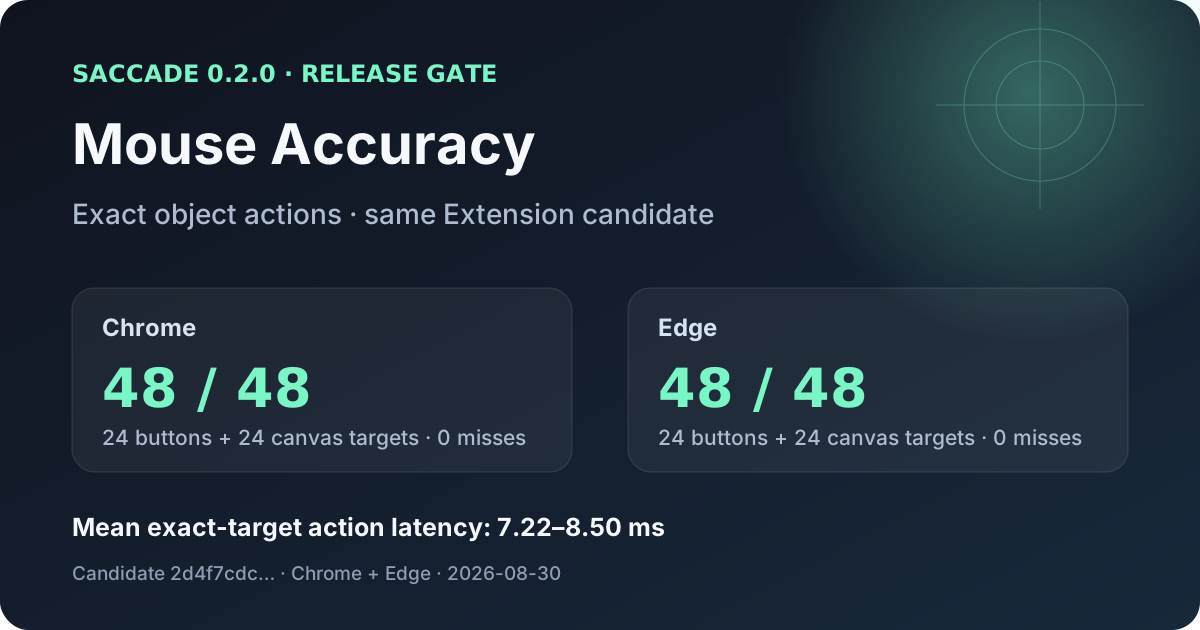
The same Extension candidate hit 24/24 ordinary targets and 24/24 canvas reflex targets in each browser, with zero misses in this run. Mean exact-target action latency ranged from 7.22 ms to 8.50 ms. This is an object-addressed software path: the Agent never guesses a screen coordinate.
The machine-readable result, the test fixture, and the release report are kept together so the claim stays tied to its candidate and test conditions.
Saccade and Playwright
Playwright is an excellent browser-testing and scripted-automation tool. Saccade serves a different job: live Agent work in an authorized user tab.
The latest controlled same-model form comparison did not produce a blanket winner. Saccade used 8 browser tool calls versus 10 and spent 1.52 s versus 6.88 s inside the browser MCP path. Playwright completed the full Agent task in 26.20 s versus Saccade's 38.78 s. The benchmark, prompt, caveats, and payload measurements are in the comparison report.
Use Playwright when the goal is a deterministic test suite. Use Saccade when an Agent must stay attached to a user's current browser state, consume small semantic updates, and know whether each action actually took effect.
Playwright's own documentation describes its actionability checks, locator strictness, and browser-context isolation.
Truth and privacy
Saccade gives the Agent semantic roles, safe state, affordances, stable document-local identity, current geometry, and explicit limitations. Protected fields expose only protected state. Diagnostics retain bounded command and failure metadata, not page contents, screenshots, cookies, credentials, or editable values.
The Broker stores only bounded recovery metadata needed to preserve session and tab ownership across a restart. A disconnected Agent's lease becomes orphaned; the tab is neither closed nor transferred automatically.
Development
./scripts/dev.sh test
./scripts/dev.sh broker
./scripts/dev.sh mcp
./scripts/dev.sh pack
Run the Chrome and Edge release gate against the exact connected candidate:
node scripts/gate_node_release_candidate.js \
  --base-url=http://127.0.0.1:8765 \
  --browsers=chrome,edge \
  --include-public \
  --output=/tmp/saccade-release-gate.json
The current product contracts live in docs/current/. The
machine-readable control inventory is rendered in
docs/generated/control_coverage.md.