
FreeCAD MCP
Control FreeCAD from Claude Desktop and other MCP clients. Create and edit models, run Python scripts, inspect documents, and run FEM analyses.
Demo
Design a flange:
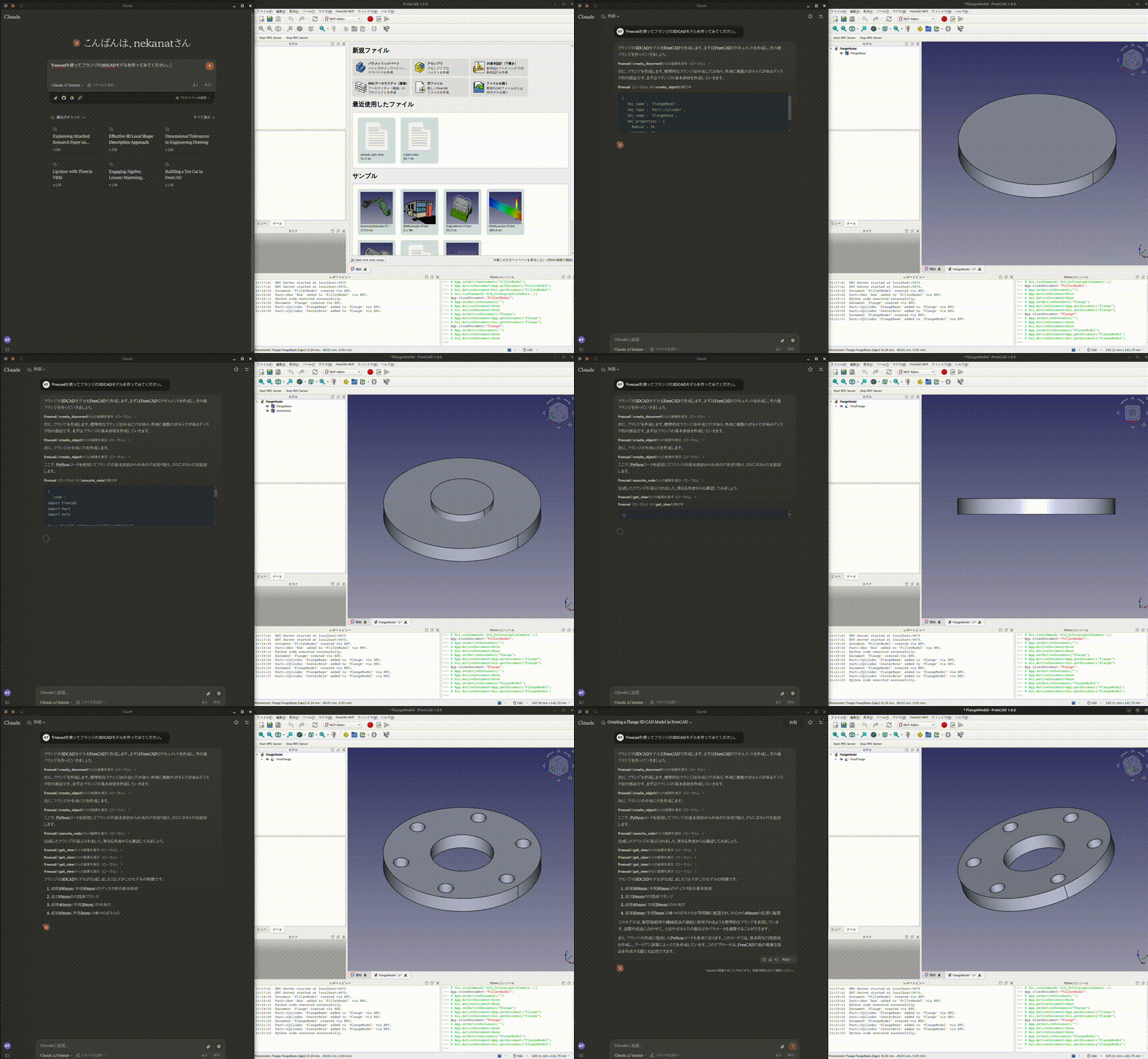
See more demos and examples for a toy car, modelling from a 2D drawing, and agent integrations.
Quick start
You need FreeCAD and uv / uvx. FreeCAD MCP has two components: an addon running inside FreeCAD and an MCP server launched by your client.
1. Install and start the FreeCAD addon
git clone https://github.com/neka-nat/freecad-mcp.git
cd freecad-mcp
Copy addon/FreeCADMCP into your FreeCAD addon directory,
then restart FreeCAD. Select the MCP Addon workbench and click
Start RPC Server in the FreeCAD MCP toolbar.
See the installation guide for platform-specific commands and screenshots.
2. Connect Claude Desktop
Add the following entry to claude_desktop_config.json:
{
  "mcpServers": {
    "freecad": {
      "command": "uvx",
      "args": ["freecad-mcp"]
    }
  }
}
Restart Claude Desktop to load the configuration, keep FreeCAD open with its RPC
server running, and ask Claude to create a model. Connections use localhost by
default.
Documentation
Contributors
Made with contrib.rocks.