
mcpify
Automatically generate MCP (Model Context Protocol) servers by observing HTTP API traffic.
Demo
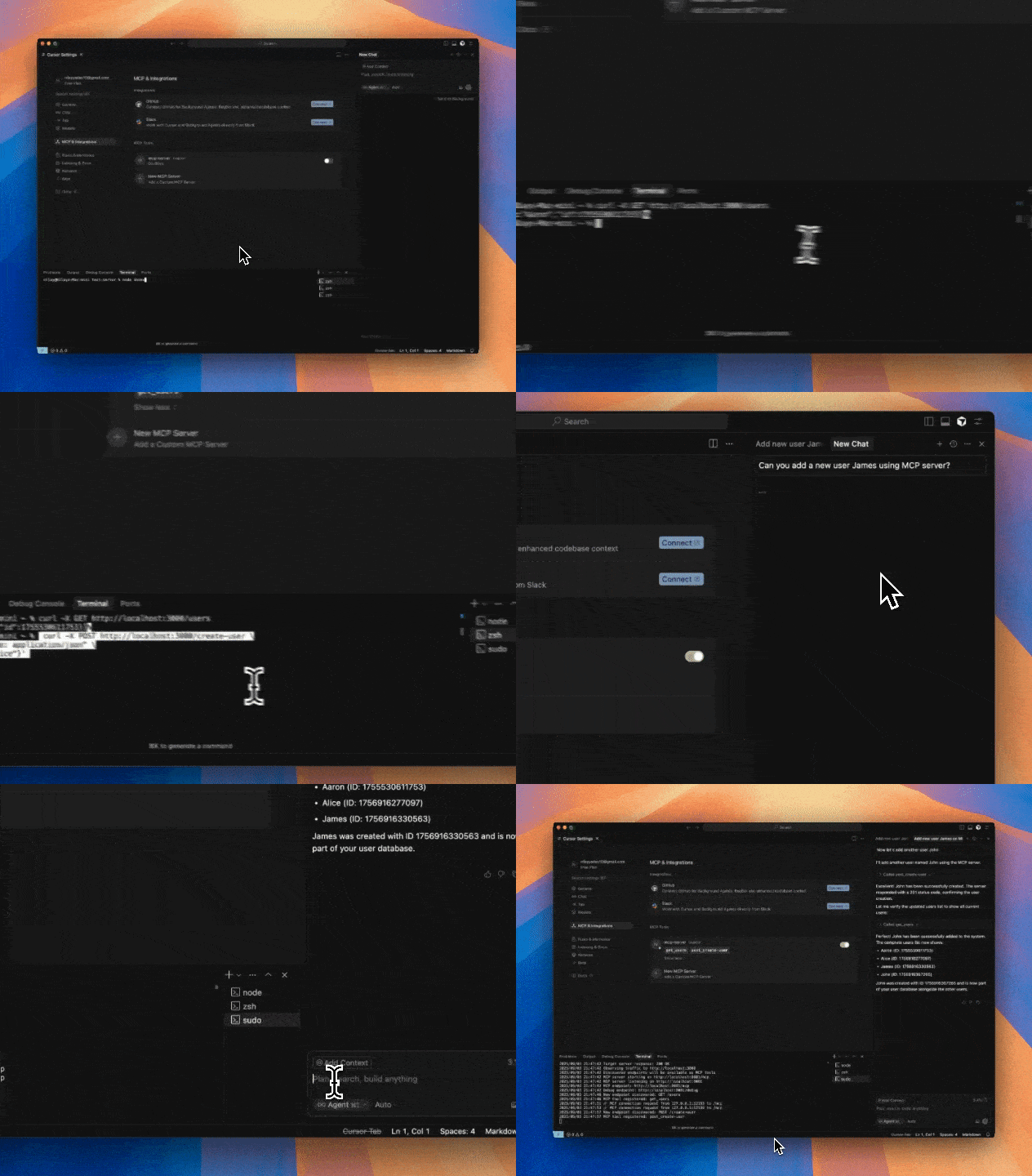
What it does
mcpify watches HTTP requests to your server and automatically creates MCP tools for each discovered endpoint. AI assistants can then call these tools to interact with your APIs.
Installation
brew tap nilayyadav/mcpify
brew install mcpify
Quick Start
- Start your API server (e.g., on localhost:3000)
- Run mcpify to observe traffic:
sudo mcpify --target http://localhost:3000
- Make API calls to your server (using your app, curl, Postman, etc.)
- Each unique endpoint becomes available as an MCP tool at
http://localhost:8081/mcp
Persistent Configuration
mcpify automatically saves discovered tools and configuration:
- Linux:
~/.config/mcpify/config.json - macOS:
~/Library/Application Support/mcpify/config.json
Discovered tools persist across restarts. If you run mcpify without --target, it will use the last observed server.
# First run - discovers and saves tools
sudo mcpify --target http://localhost:3000

# Later runs - automatically uses saved target and loads existing tools
sudo mcpify
Grouping Feature
mcpify can now automatically group related API endpoints into logical tool groups. This makes it easier for AI assistants to understand and interact with your API by organizing endpoints by resource or functionality (e.g., all /users endpoints are grouped together).
How Grouping Works
- Endpoints are analyzed and grouped based on URL patterns and HTTP methods.
- Each group is exposed as a collection of related tools in the MCP server.
- Grouping improves discoverability and usability for large APIs.
Grouping is enabled by default. You can control grouping behavior with the following command line flag:
sudo mcpify --target http://localhost:3000 --grouping
Grouped tools are available at http://localhost:8081/mcp as usual, but now organized by group.
Configuration
Environment Variables
export LLM="openai/gpt-oss-120b:together"
export LLM_ENDPOINT="https://router.huggingface.co/v1"
export LLM_API_KEY="HF_TOKEN"
Command Line Options
sudo -E mcpify --target http://localhost:3000 \
       --max-tools 100 \
       --use-llm \
       --verbose
Requirements
- macOS or Linux
- Root/sudo privileges (for packet capture)
- Target server running on HTTP (not HTTPS)
MCP Integration
Connect AI assistants to http://localhost:8081/mcp to access auto-generated tools.
License
MIT