client
Procedures as data for TypeScript. You define a procedure one time: a path, a Zod input, a Zod output and a handler. Then you use it in the same process, over HTTP or WebSocket, from the mark CLI, or from Claude as an MCP tool. A program is plain JSON: calls, references to earlier results, and control flow. The client gives streams, middleware, retries and a cache.
The site has the Composer (build a program from blocks, then start it in your browser), the middleware lab, the procedure catalog and the status board.
Install
npm install @procedures/client zod
The packages need Node.js 22 or later. They are ES modules.
Example
import { z } from "zod";
import { Client, LocalTransport, PROCEDURE_REGISTRY, allCoreProcedures, createProcedure, zodAdapter } from "@procedures/client";
import "@procedures/client/register"; // the control flow: client.chain and the others

// A procedure: a path, a typed input and output, and a handler
PROCEDURE_REGISTRY.register(
  createProcedure()
    .path(["greet"])
    .input(zodAdapter(z.object({ name: z.string() })))
    .output(zodAdapter(z.string()))
    .handler(async ({ name }) => `Hello, ${name}!`)
    .build(),
);
for (const p of allCoreProcedures) if (!PROCEDURE_REGISTRY.has(p.path)) PROCEDURE_REGISTRY.register(p);

const client = new Client(new LocalTransport({ registry: PROCEDURE_REGISTRY }));
console.log(await client.exec({ $proc: ["greet"], input: { name: "Ada" } }));
// Hello, Ada!

// A program is JSON: the second step reads the result of the first step
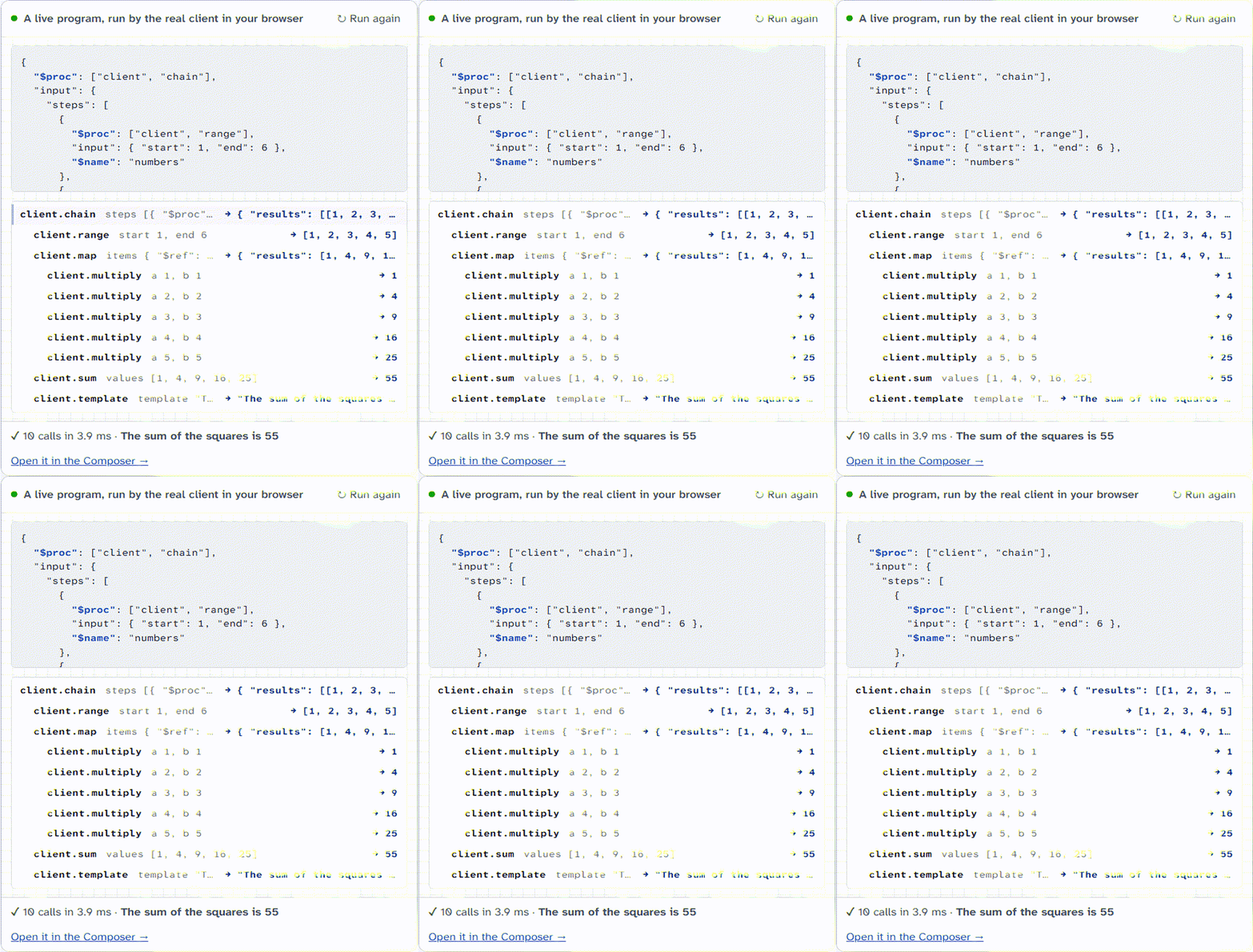
const result = await client.exec({
  $proc: ["client", "chain"],
  input: {
    steps: [
      { $proc: ["client", "add"], input: { a: 2, b: 3 } },
      { $proc: ["client", "multiply"], input: { a: { $ref: "$last" }, b: 4 } },
    ],
  },
});
console.log(result.final);
// 20
Replace LocalTransport with HttpTransport or WebSocketTransport to use the same procedures on a server. PROGRAM-FORMAT.md tells the rules of programs.
Compared with other tools
tRPC is the better choice for type inference from server to client in one application. This repository is for procedures that many hosts use: a program, a CLI, a server and Claude.
Packages
All packages are in packages/. The public packages are in the npm scope @procedures, with one version together. The table gives the npm name, and the link goes to the folder.
Until October 2026, these packages had the scope @mark1russell7 (for example @mark1russell7/client-shell). The general packages @mark1russell7/cue, @mark1russell7/splay and @mark1russell7/docker-sqlite keep their scope.
Use with Claude
@procedures/mcp-dev-tools is an MCP server with 91 developer tools: Docker, MongoDB, SQLite, CUE, Vitest and the workspace. Each tool call has a time limit, and a tool can use only the procedures that it declares. Add it to the MCP configuration of Claude Code:
{
  "mcpServers": {
    "dev-tools": { "command": "npx", "args": ["-y", "@procedures/mcp-dev-tools"] }
  }
}
Build and test
- Install the dependencies:
pnpm install - Build all packages:
pnpm build - Start the tests:
pnpm test - Examine the types:
pnpm typecheck
pnpm build builds the packages in the sequence of their dependencies. Each package writes its output to its dist/ folder. Git ignores dist/. ONBOARDING.md tells more.
The fault cells of the harness of systems run in the workflow harness.yml on the WebSocket client and server of each commit. harness/procedures-subject tells more.
Release
RELEASE.md tells how the packages go to npm. node scripts/check-packages.mjs examines each package as npm gives it.
Other repositories
Some packages use general packages from other repositories: cue, splay and docker-sqlite. A general package does not use a package of this repository.
License
MIT. Refer to LICENSE.