
tkinter-mcp
MCP server for inspecting and automating Tkinter GUI applications.
Overview
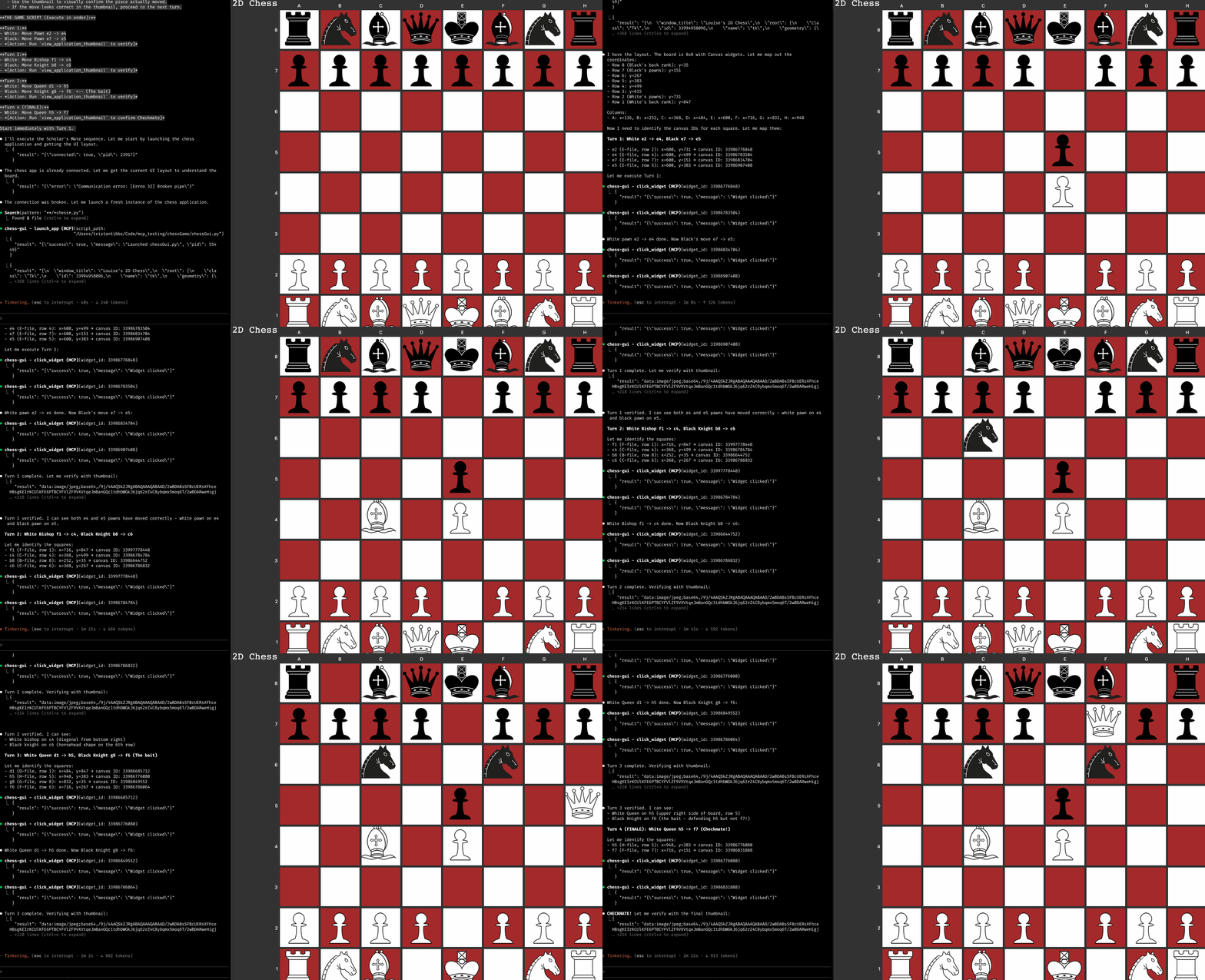
An MCP server that enables AI agents to launch, inspect, and interact with Tkinter applications. The server auto-injects an inspection agent via monkey-patching. No modifications to target apps required.
Tools
Installation
uvx (Quick Start)
claude mcp add tkinter-mcp-server -- uvx tkinter-mcp-server
Note: Apps using PIL/ImageTk may have compatibility issues with uvx. Use pip install instead.
pip (Recommended for PIL apps)
pip install tkinter-mcp-server
claude mcp add tkinter-mcp-server -- tkinter-mcp-server
Claude Desktop
Add to your Claude Desktop configuration (~/Library/Application Support/Claude/claude_desktop_config.json on macOS):
{
  "mcpServers": {
    "tkinter": {
      "command": "tkinter-mcp-server"
    }
  }
}
For uvx: use "command": "uvx" with "args": ["tkinter-mcp-server"]
How It Works
The server launches Tkinter apps through a custom launcher that patches tkinter.Tk.__init__. This injects an agent that communicates over a local socket, enabling thread-safe inspection and control of the GUI.
flowchart LR
    A[MCP Client] <--> B[MCP Server]
    B <--> C[Socket]
    C <--> D[Agent]
    D <--> E[Tkinter App]
Requirements
- Python 3.10+
- macOS, Windows, or Linux
License
MIT