Personal finance, keyboard-first. Available as a terminal UI or a desktop app — both running over the same local data: Plaid sync, CSV import, categorize, tag, search, analyze. Plus an MCP server so Claude can read and manage it for you.
Terminal UI
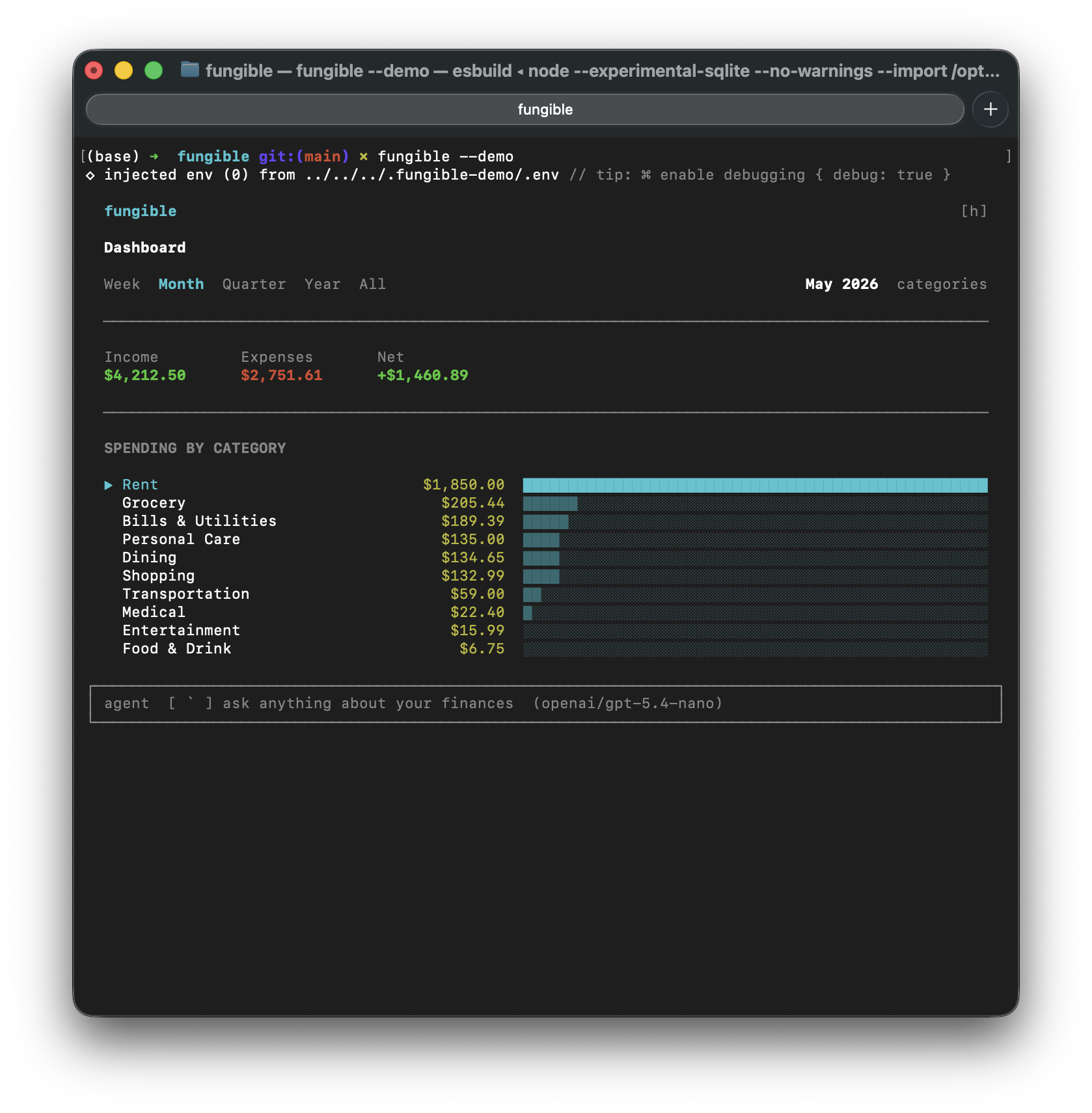 | 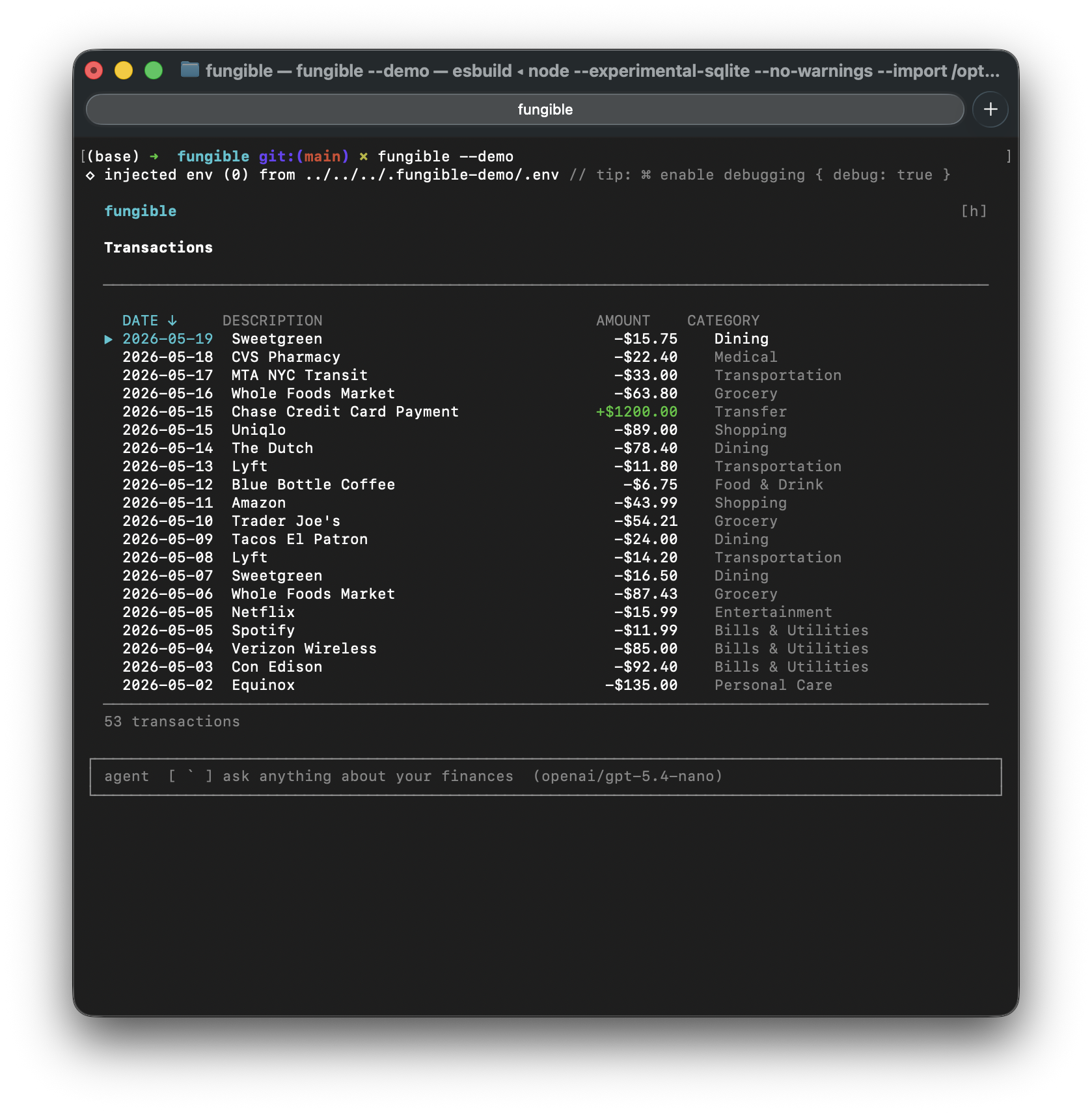 |
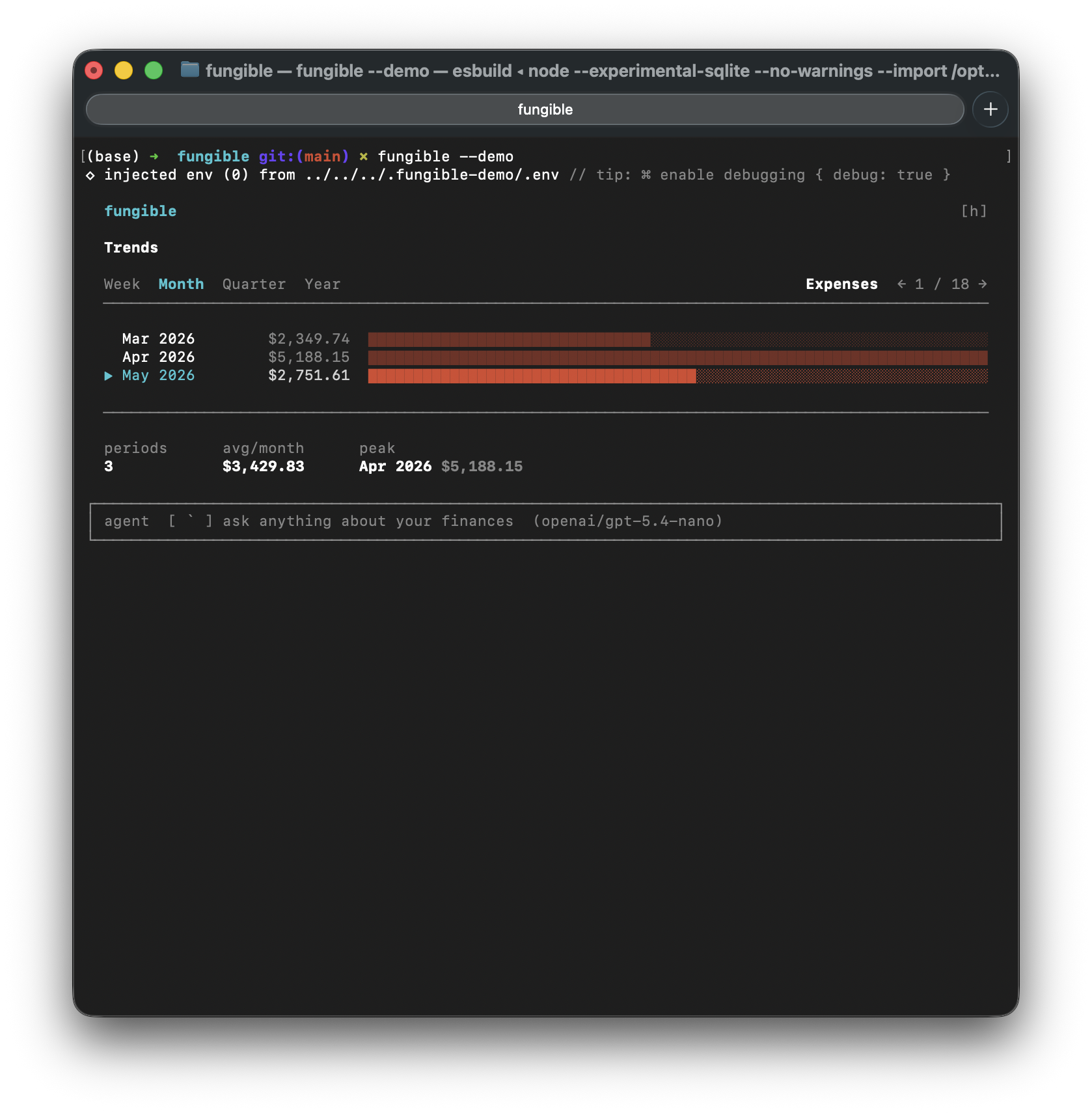 | 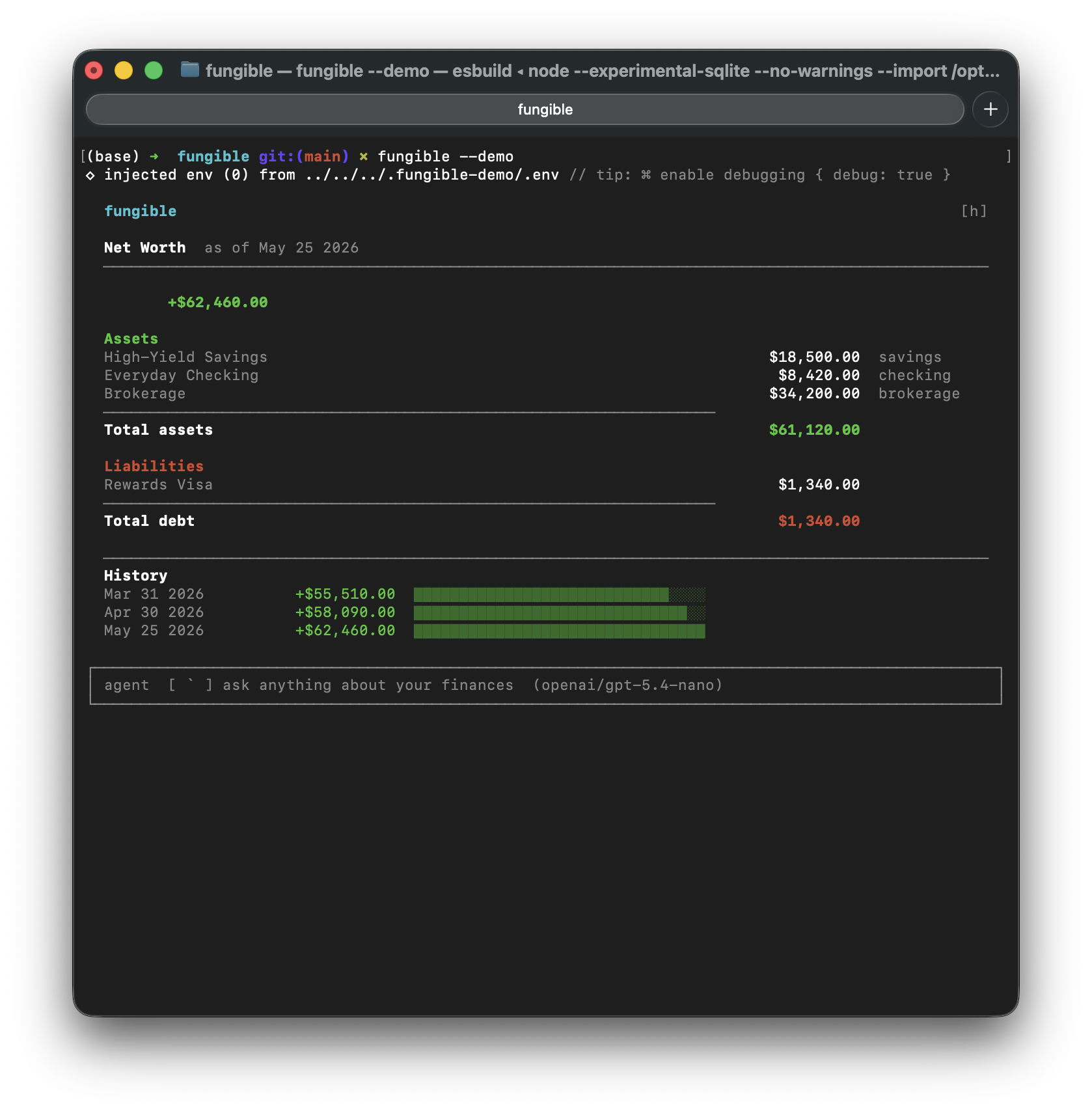 |
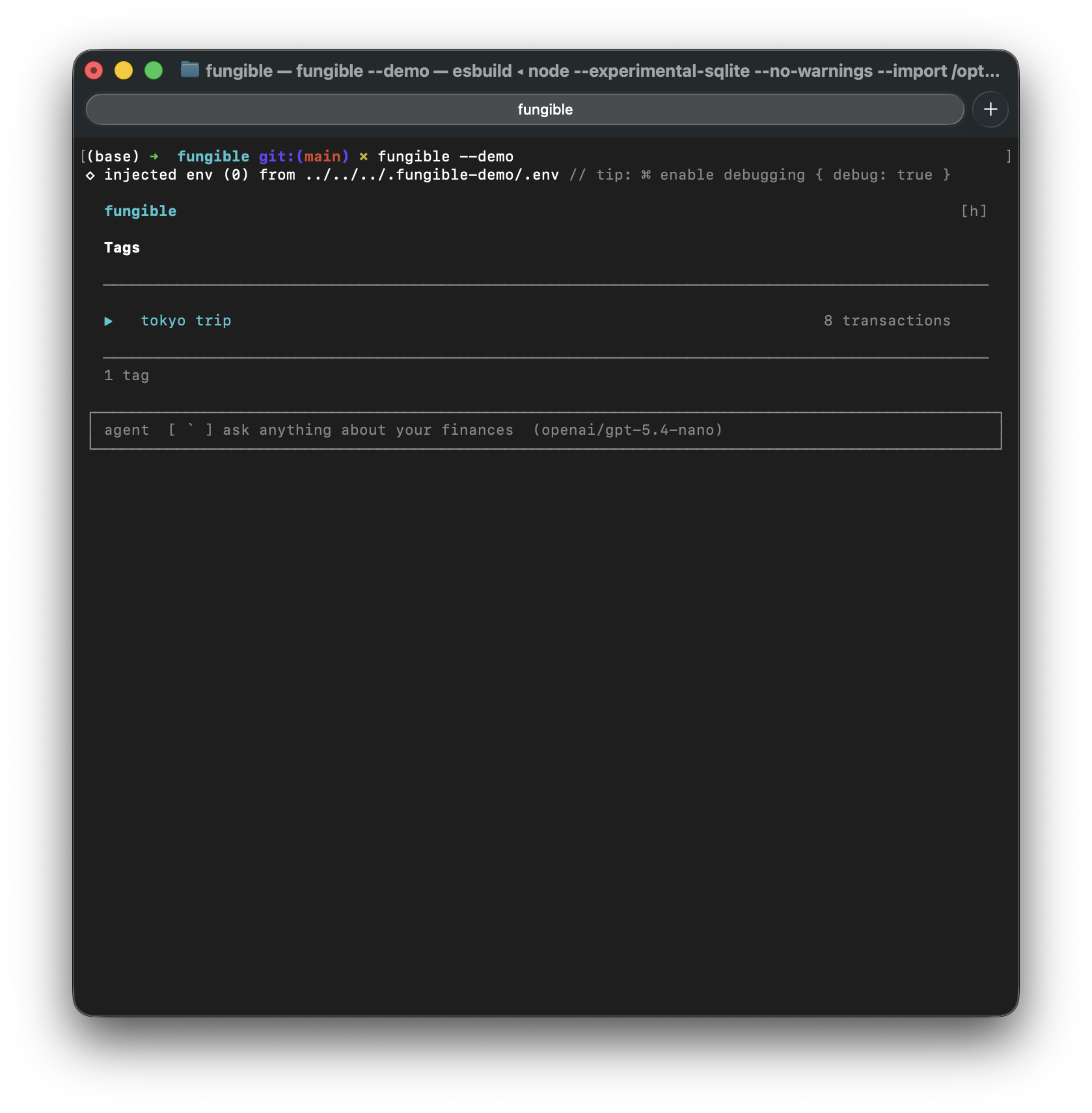 | 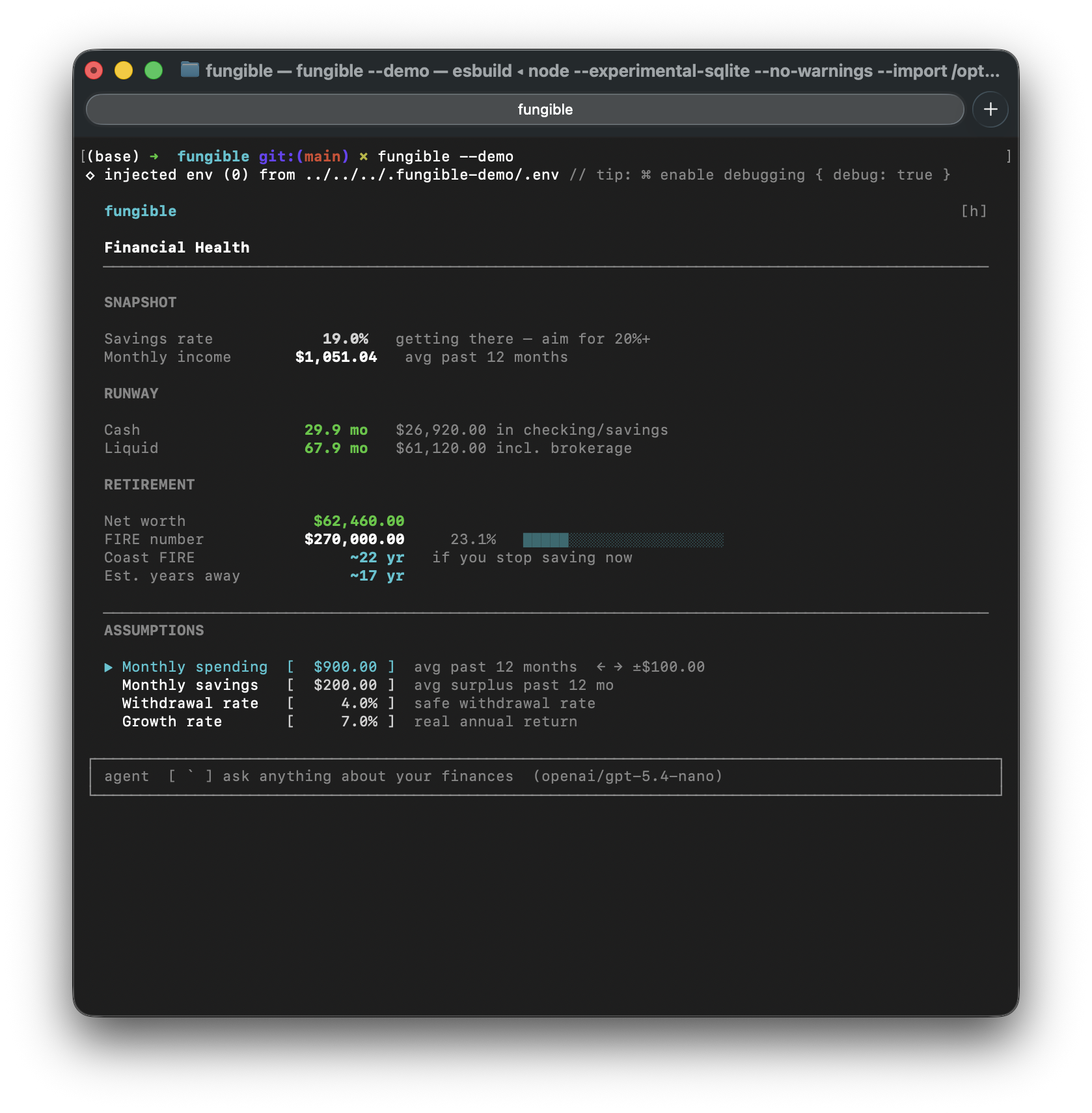 |
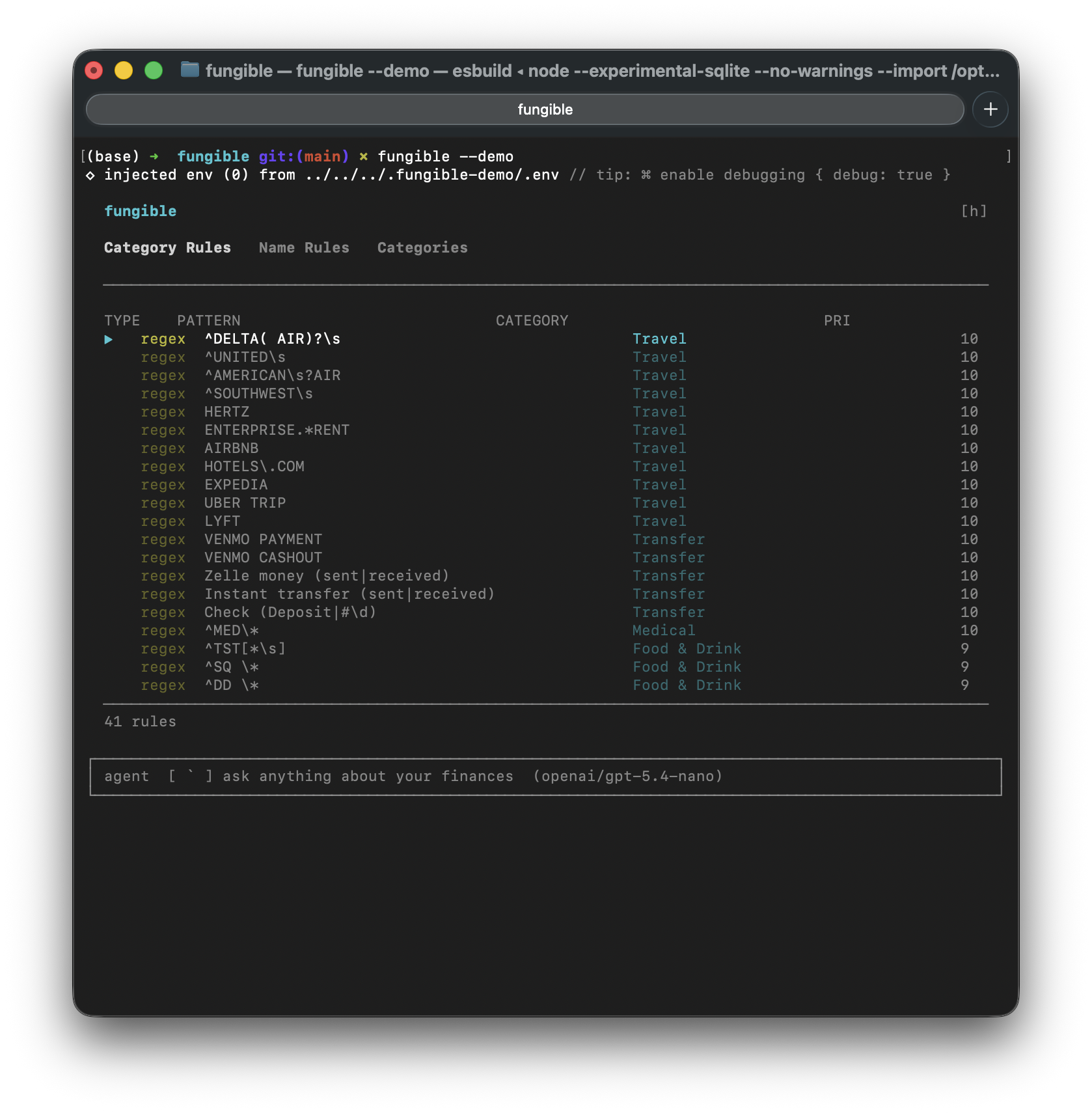 | 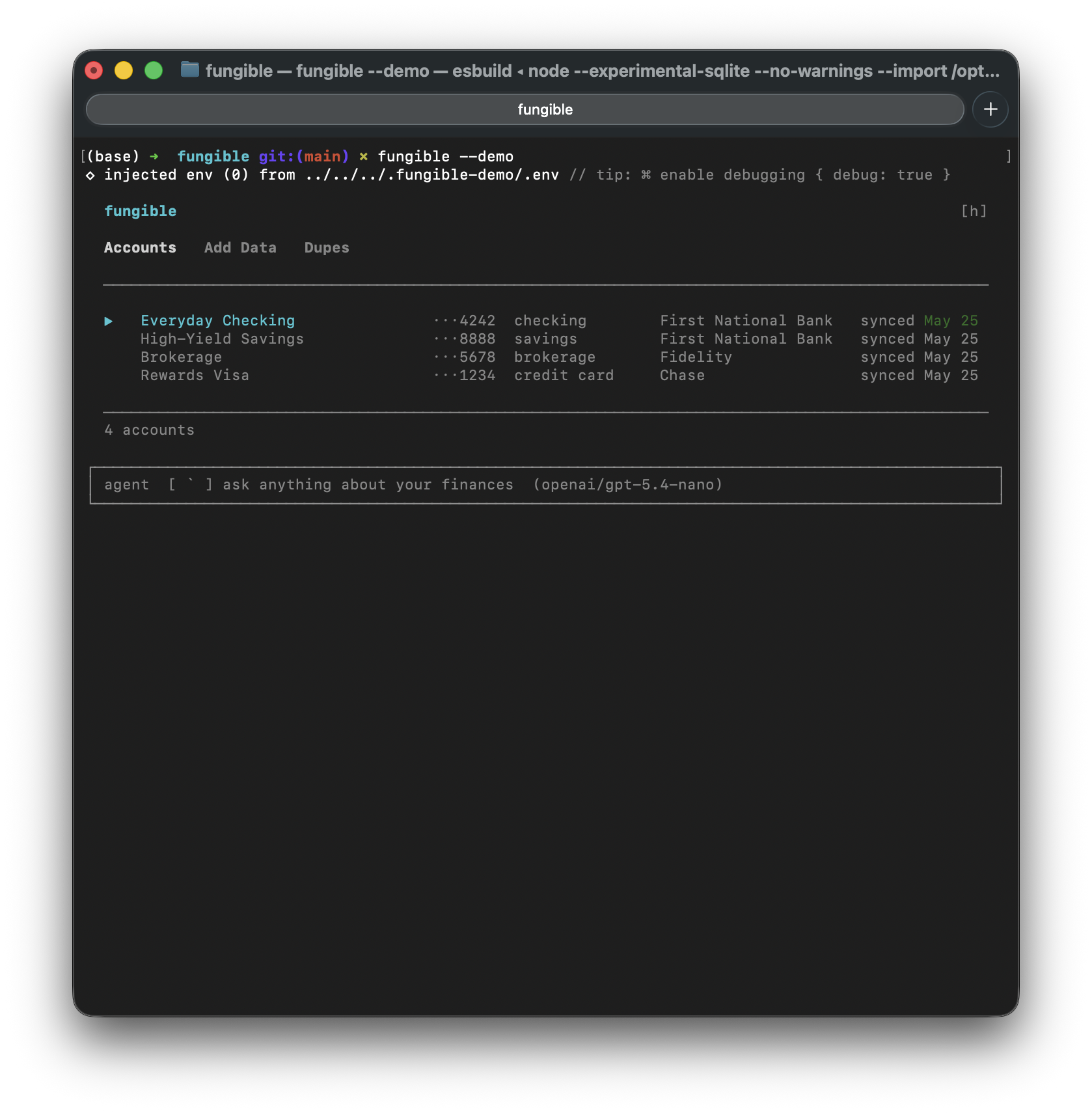 |
Desktop GUI
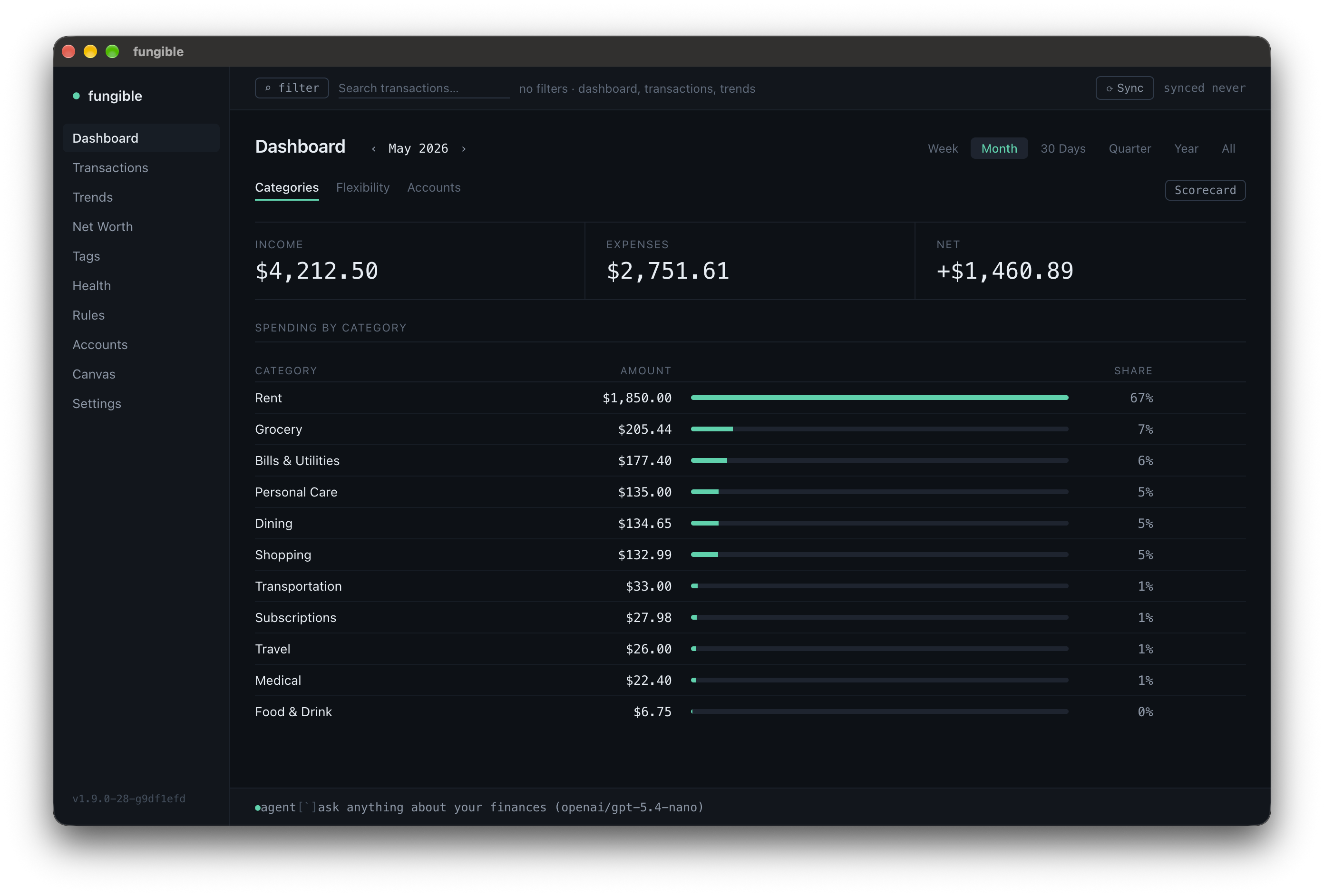 | 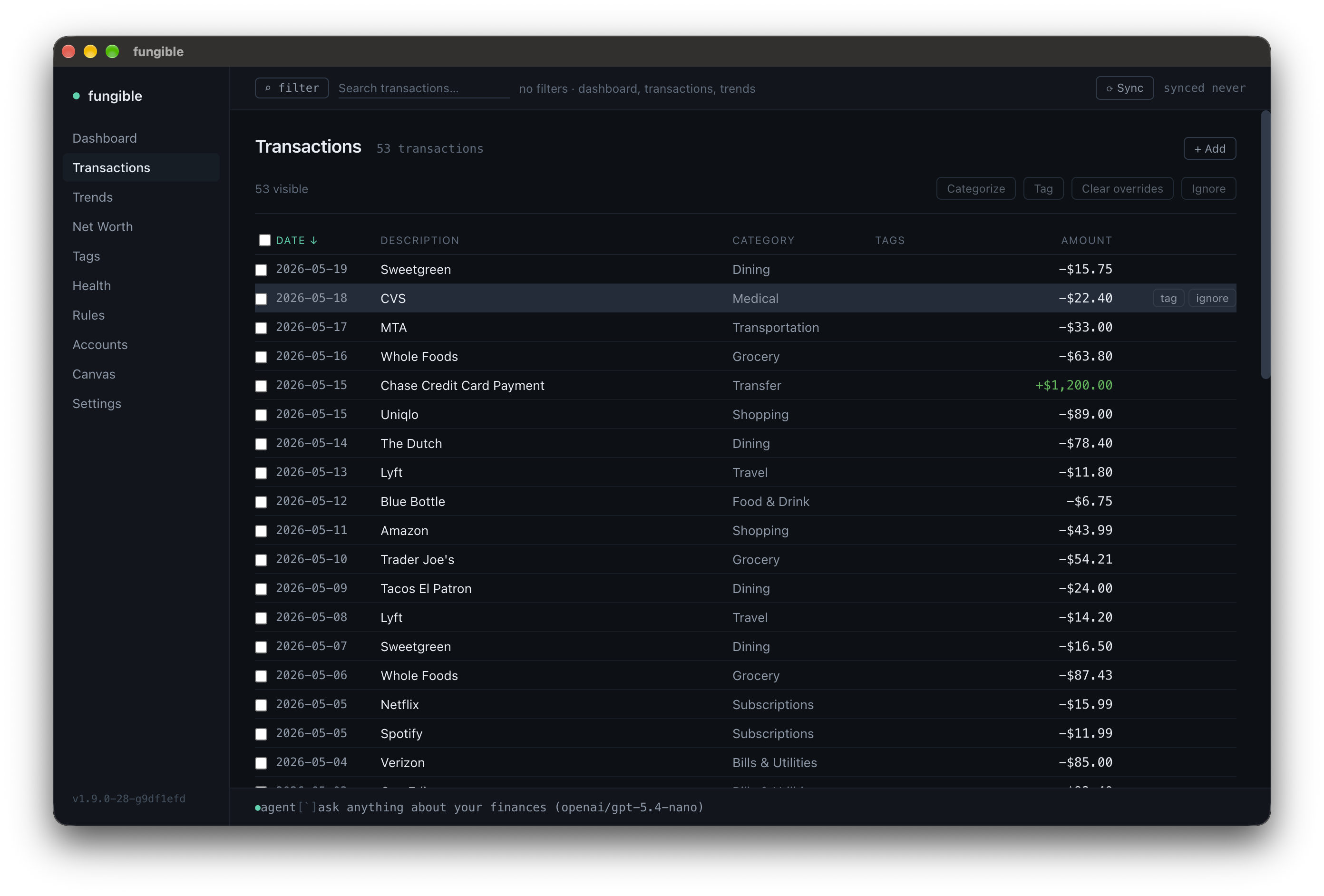 |
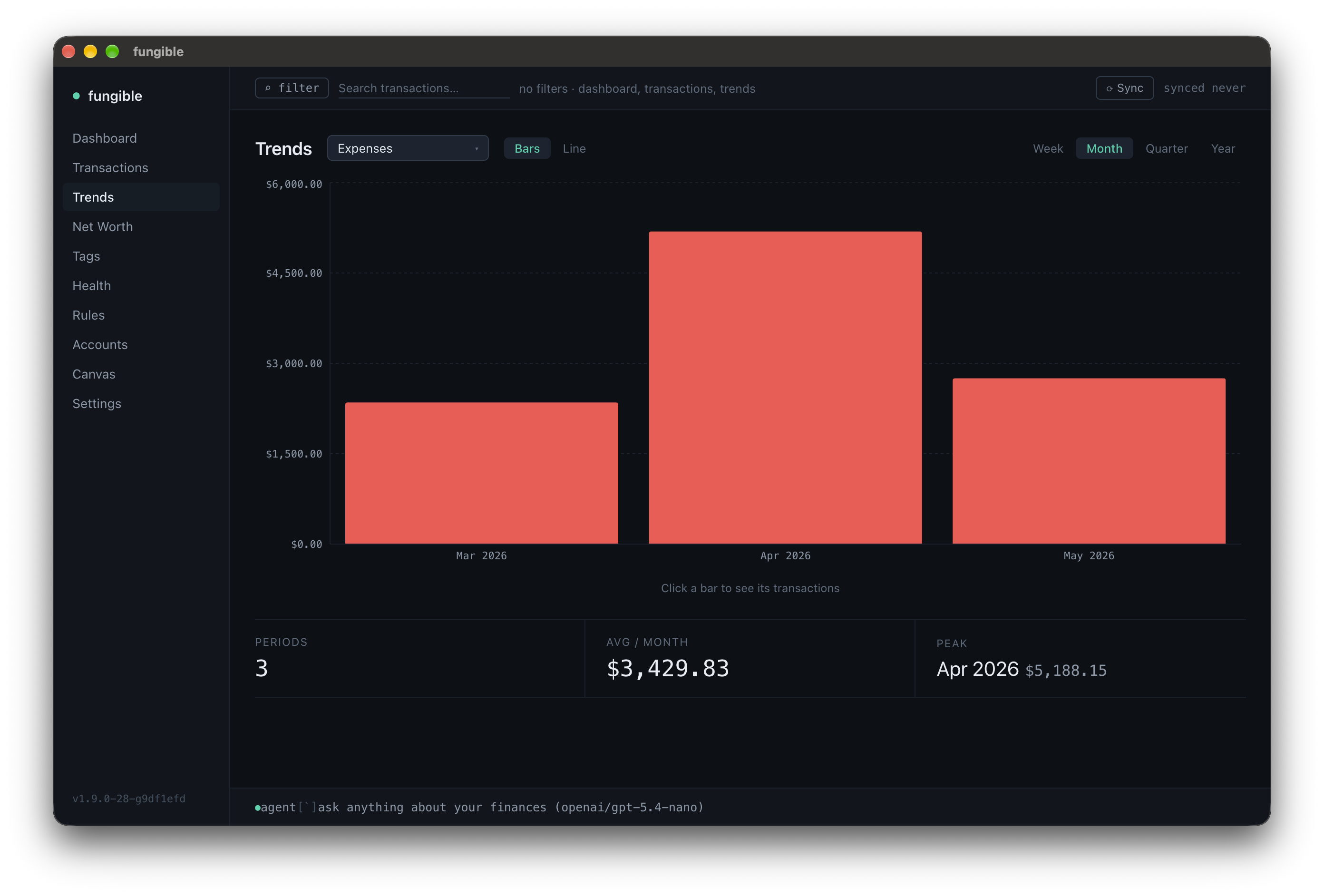 | 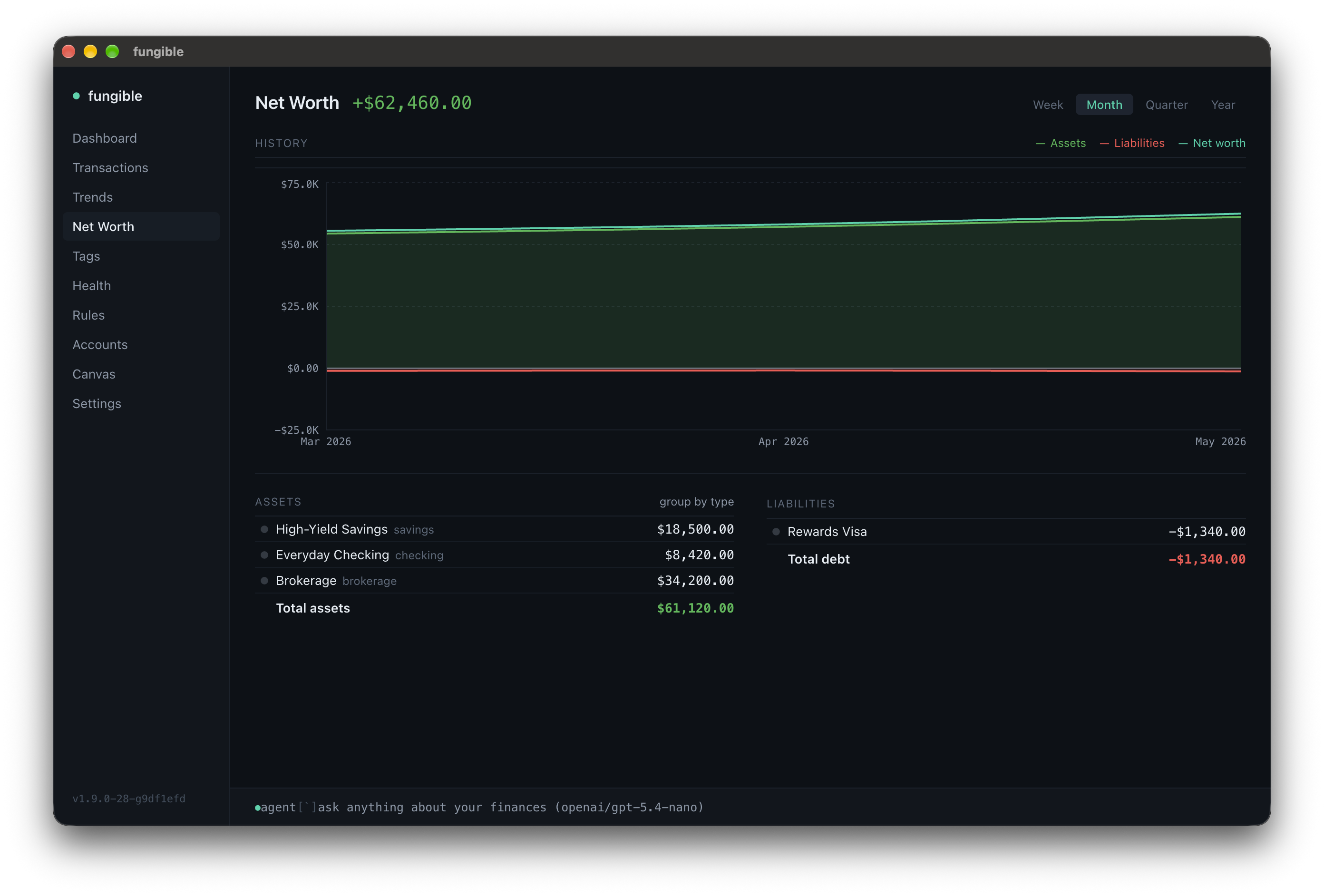 |
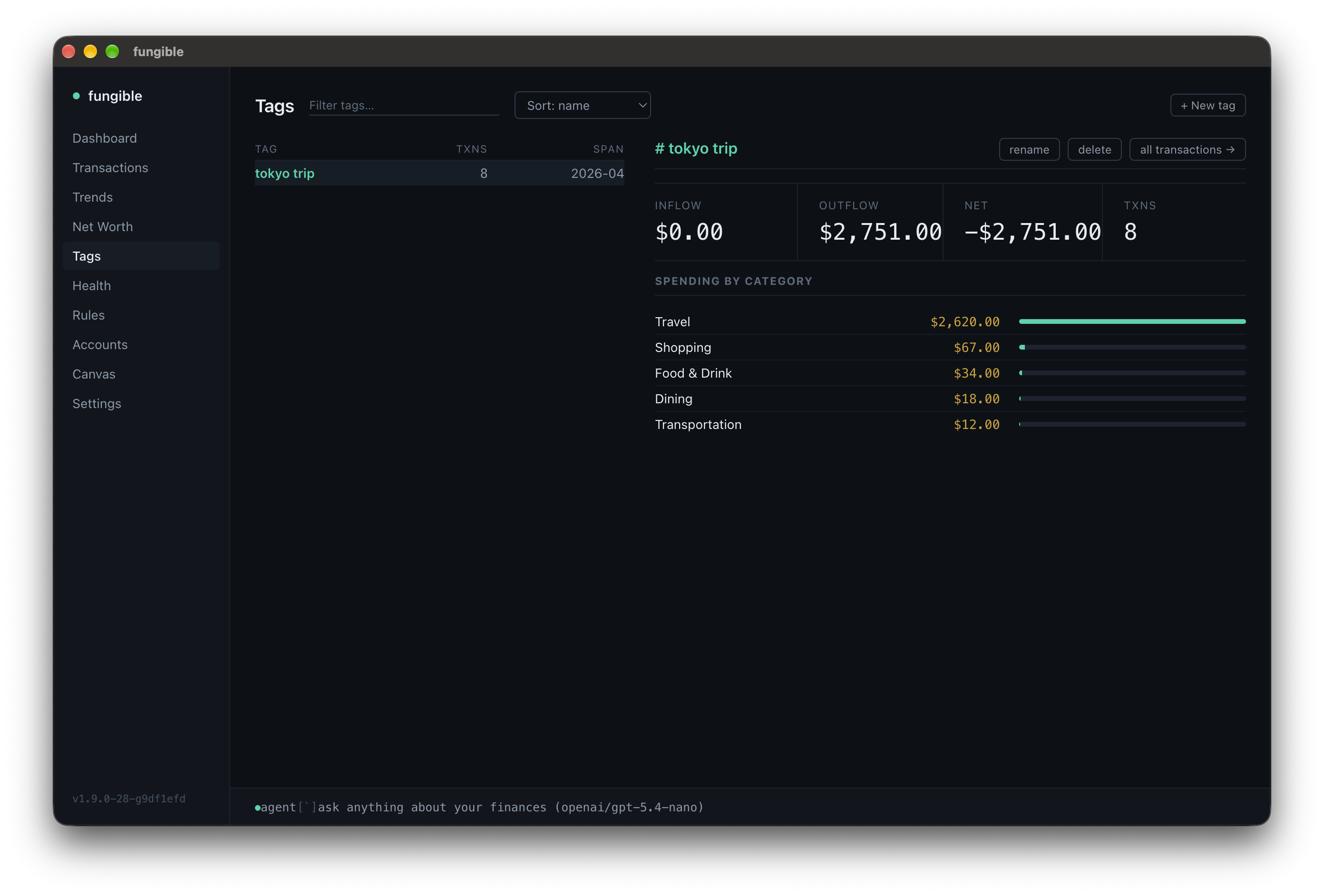 | 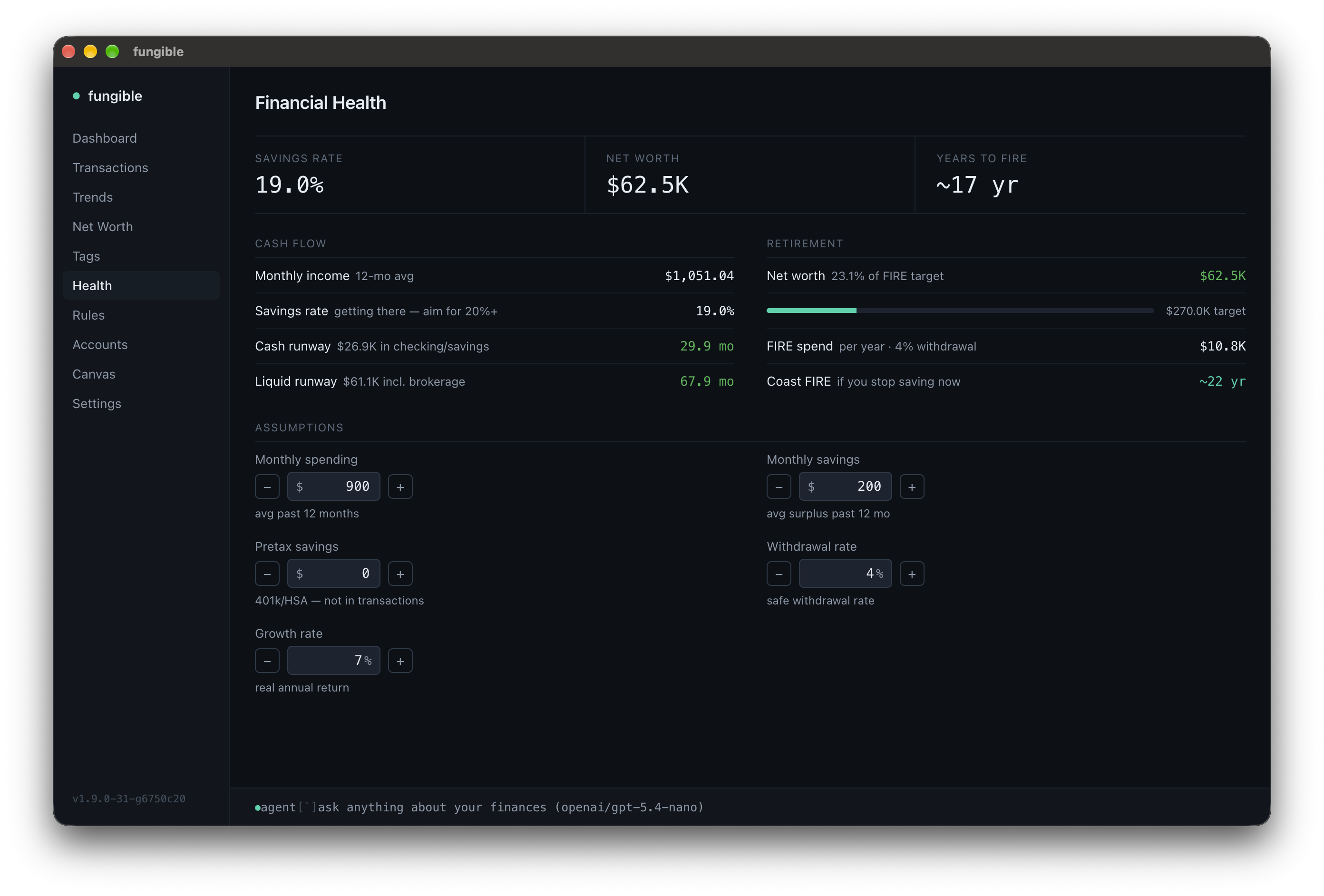 |
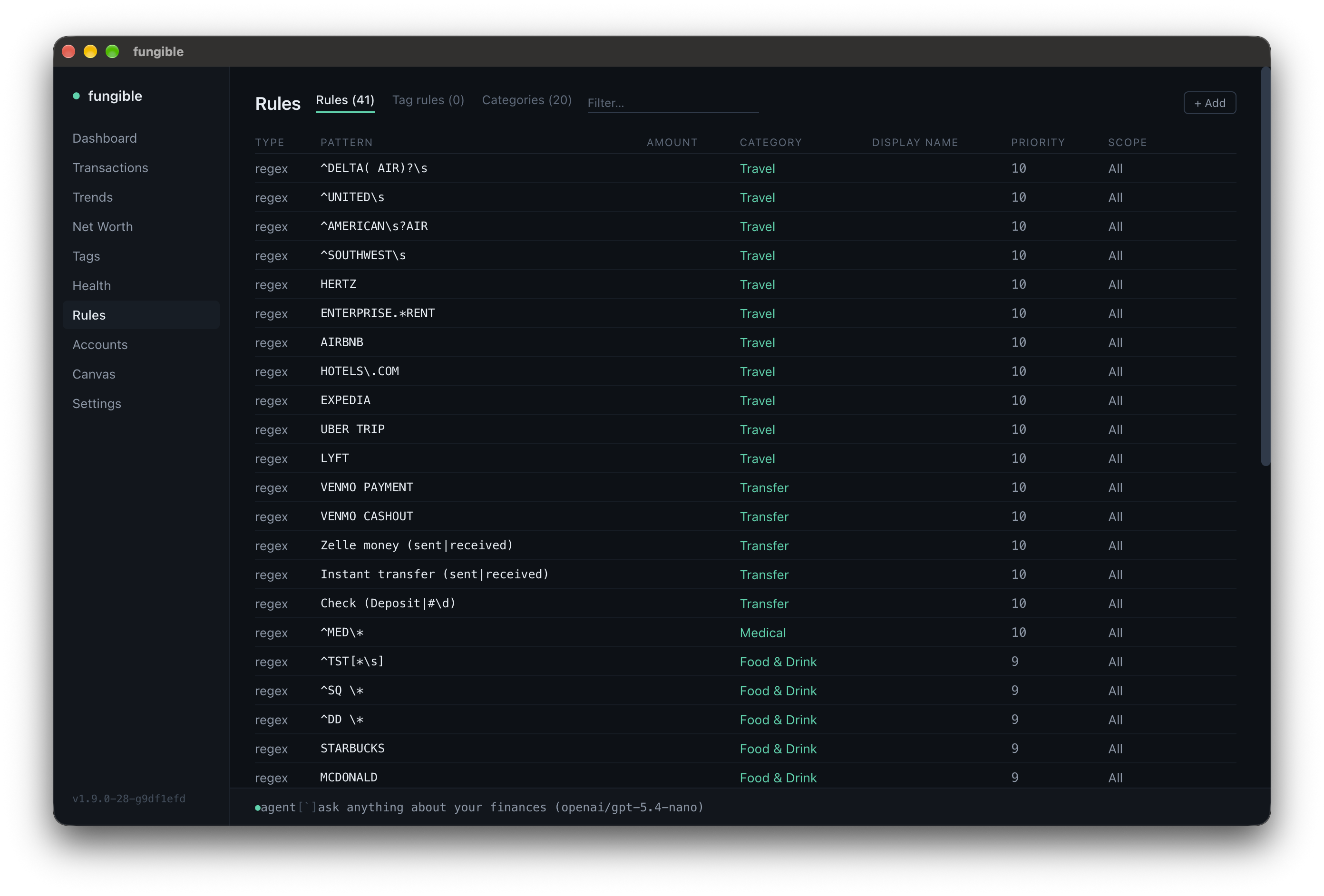 | 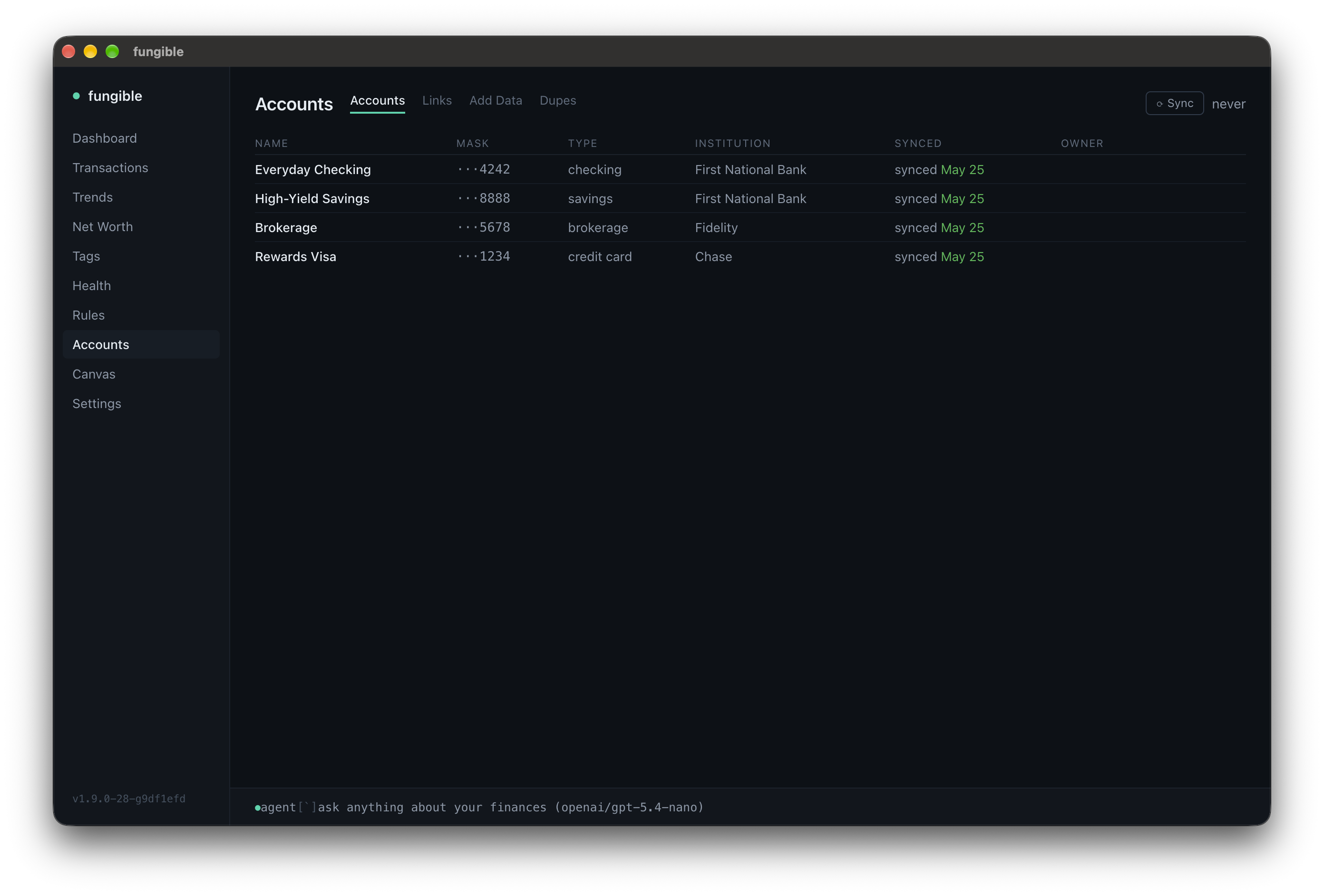 |
Features
- Plaid sync — connect bank accounts and pull transactions automatically; 15-min debounce with force-sync option
- CSV import — import statement exports from any bank with flexible column mapping
- Balance history import — load past balances from a
date,account,balanceCSV to fill in net worth history - Manual assets — track a house, car, or other asset by name and value
- Category & name rules — substring or regex rules that auto-categorize and rename transactions; survives re-syncs
- Spending flexibility — tag categories as fixed / flexible / discretionary; see breakdown on Dashboard
- Scorecard — categories flagged over / under the typical month against a 12-month median baseline, with a net verdict and optional delta columns (prior period, same period last year, 12-month average); heat-map coloring
- Tags — label transactions across accounts (trips, projects, events) and view summaries by tag
- Net worth — balance history with asset/liability breakdown; by account or by type; import earlier balances from CSV
- Financial health — cash and liquid runway, FIRE number and progress, years to retirement with adjustable assumptions
- Trends — bar charts for expenses, income, net, or any category; per-range aggregation
- Regex search — shared across Dashboard, Transactions, and Trends
- Dedup review — review and remove CSV transactions that duplicate Plaid imports
- MCP server + HTTP API — Claude (or any script) can read and manage your finances
- Daily backups — kept at
~/.fungible/backups/, last 7 by default (configurable viaFUNGIBLE_BACKUP_DAYS)
Try it (no account needed)
fungible --demo
Spins up a fully pre-loaded instance with fake accounts, transactions, tags, and rules — completely isolated from any real data. Good for exploring before connecting a bank.
In the desktop app, pick "Try Demo Mode" from the app menu (macOS) or Help menu (Windows/Linux) — the app relaunches with the same isolated demo dataset.
Install
Terminal UI
Homebrew (recommended)
brew tap tomfunk/fungible
brew install fungible
fungible --setup     # first-time setup wizard
fungible --version   # print installed version
fungible
From source (Node.js 22+, also works on Linux/WSL)
git clone https://github.com/tomfunk/fungible
cd fungible
npm install
npm run dev -- --setup   # first-time setup
npm run dev
Desktop GUI
Download an installer from the latest release (macOS arm64, Windows x64, Linux x64), or run from source:
npm install
npm run gui
The GUI reads/writes the same ~/.fungible/ database as the TUI — switch freely.
For first-launch caveats on the un-notarized installers (Gatekeeper, SmartScreen) and packaging details, see docs/gui.md.
Storage
Data and config live at ~/.fungible/ (override with $FUNGIBLE_DATA_DIR). Plaid access tokens are encrypted at rest using a key file at ~/.fungible/key — do not delete this file or you will need to re-link your accounts. A free Plaid developer account (sandbox tier) is enough.
Banks that use OAuth (Chase, Amex, Wells Fargo, ...)
These banks send you to their own site to sign in. In a desktop browser Plaid opens that site in a popup, which needs no setup. If Link fails before you reach the bank, the page shows Plaid's error code and Link session ID. In production, a code like INSTITUTION_REGISTRATION_REQUIRED means your Plaid team is not yet enabled for that bank: check US OAuth institutions in the Plaid Dashboard (Chase also requires the security questionnaire).
If popups are not an option, fungible can take the bank's full-page redirect instead. Plaid accepts http://localhost redirect URIs only in sandbox; in production the redirect must be HTTPS, so the local link server needs a certificate for localhost, for example from mkcert:
mkcert -install   # adds mkcert's local CA to your system trust store (once)
mkcert -cert-file ~/.fungible/localhost.pem -key-file ~/.fungible/localhost-key.pem localhost
Then add to ~/.fungible/.env, using full paths (~ is not expanded there):
PLAID_REDIRECT_URI=https://localhost:4747/oauth-return
FUNGIBLE_LINK_TLS_CERT=/Users/you/.fungible/localhost.pem
FUNGIBLE_LINK_TLS_KEY=/Users/you/.fungible/localhost-key.pem
and register the same URI, exactly as written, under Allowed redirect URIs on the Plaid Dashboard's Developers > API page. The link server then listens on that port, over HTTPS. Leave PLAID_REDIRECT_URI unset to keep the default behaviour.
Running
FUNGIBLE_MCP_PORT and FUNGIBLE_API_PORT (in ~/.fungible/.env) override the defaults.
Screens
Full per-screen keybindings: docs/keybindings.md.
Docs
docs/keybindings.md— per-screen keyboard referencedocs/integrations.md— HTTP API and MCP server setup, full tool listdocs/gui.md— desktop app install, packaging, release flowdocs/testing.md— how to run tests and what each kind should assertCONTRIBUTING.md— branching policy, tests, PRs