MongrelDB Viewer has two connection modes:
Direct mode uses mongreldb-core and mongreldb-query in the application
process. Server mode uses mongreldb-client against a running daemon. See
connection modes before opening production data.
Gallery
Screenshots use the bundled six-table demo database.
| Deck | Schema map |
|---|---|
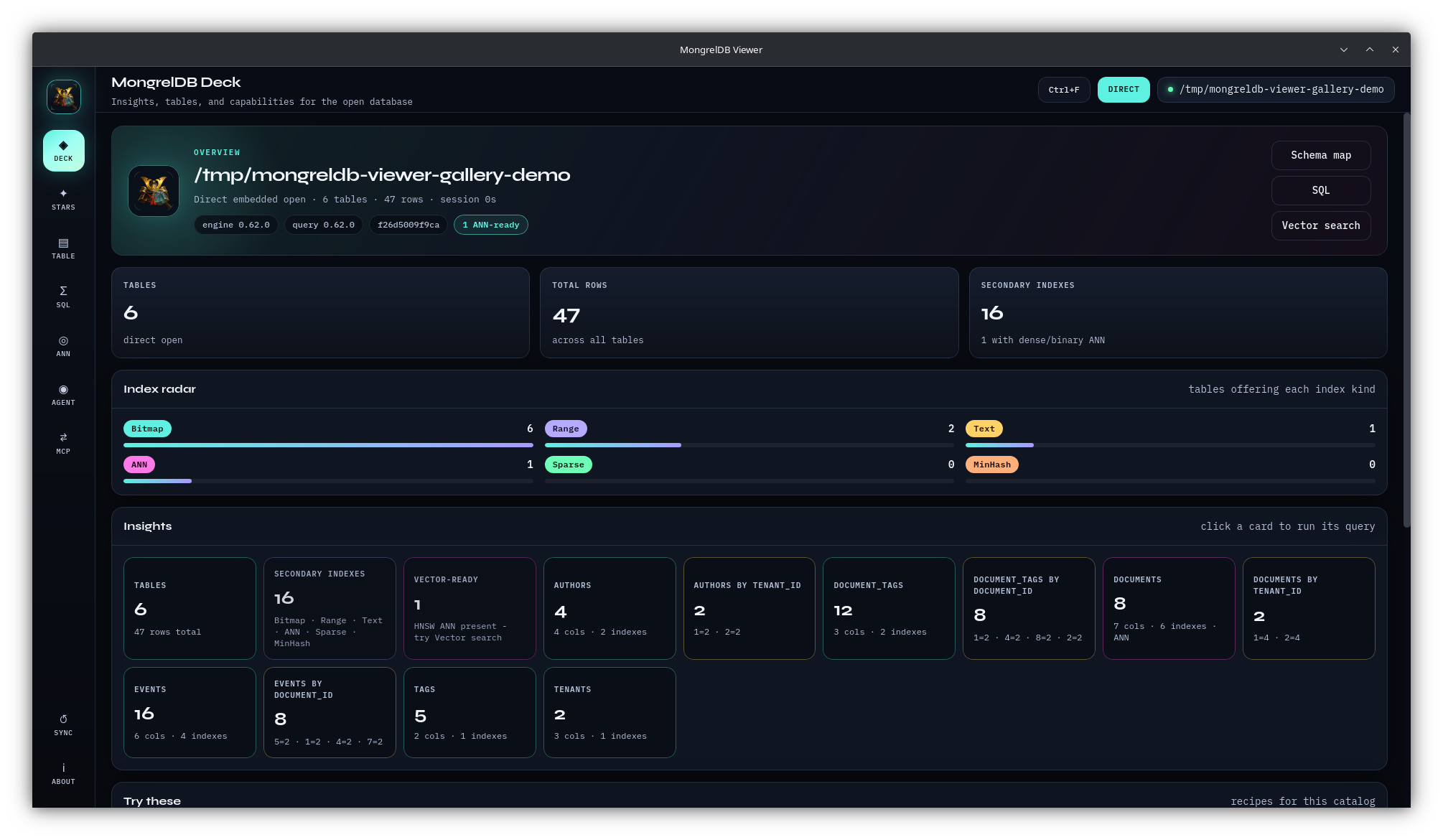 | 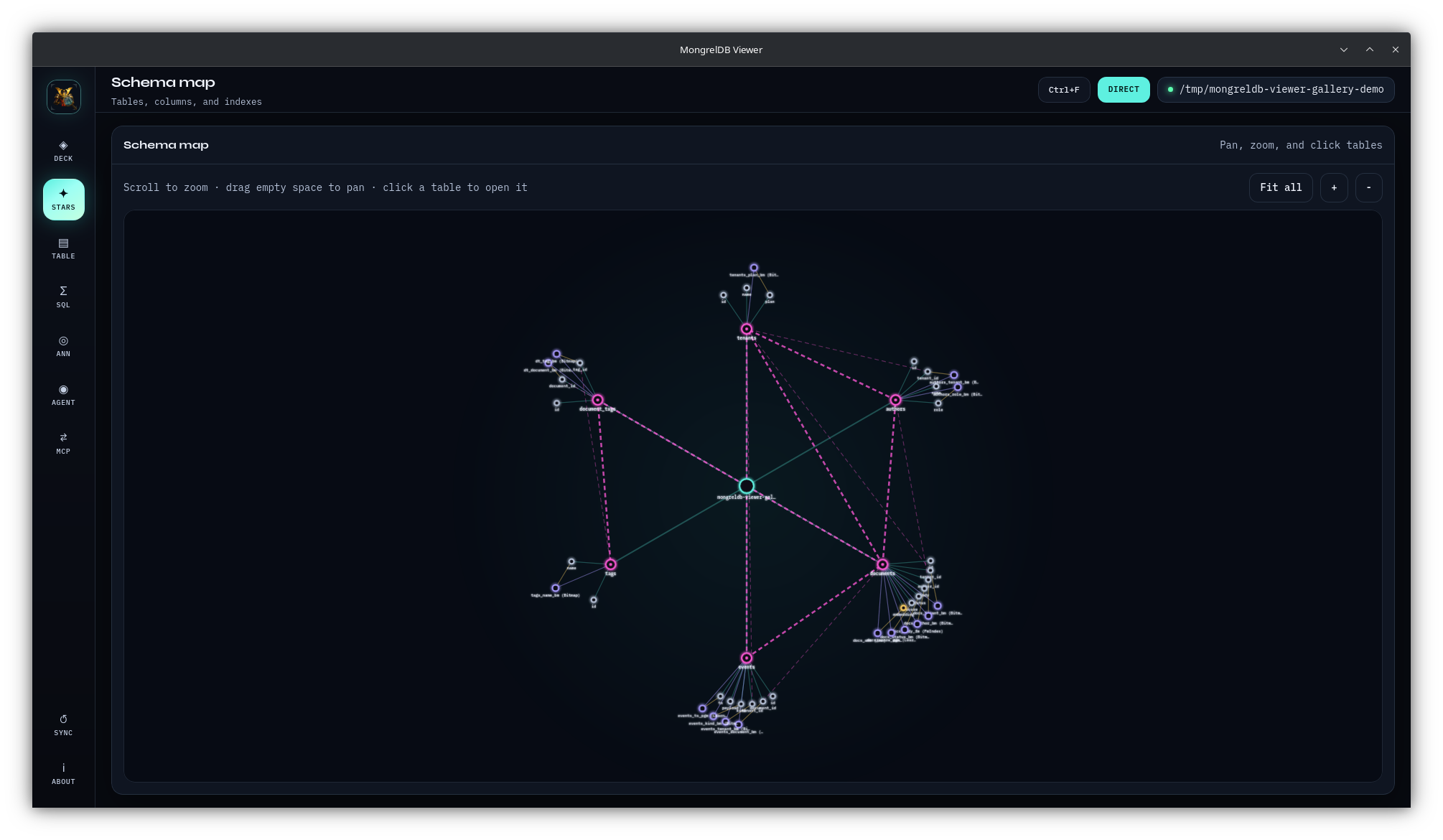 |
| Table browser | SQL workbench |
|---|---|
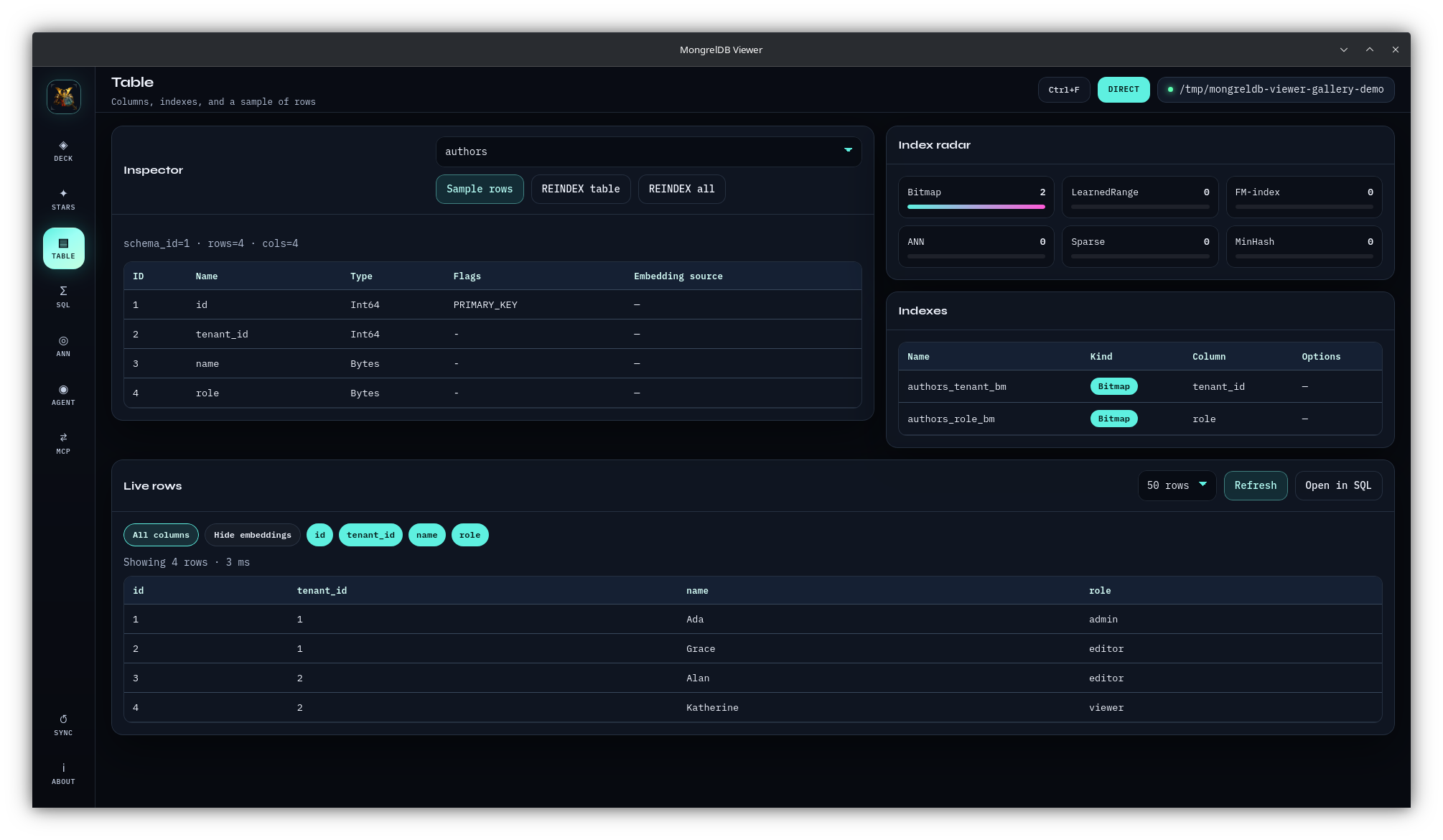 | 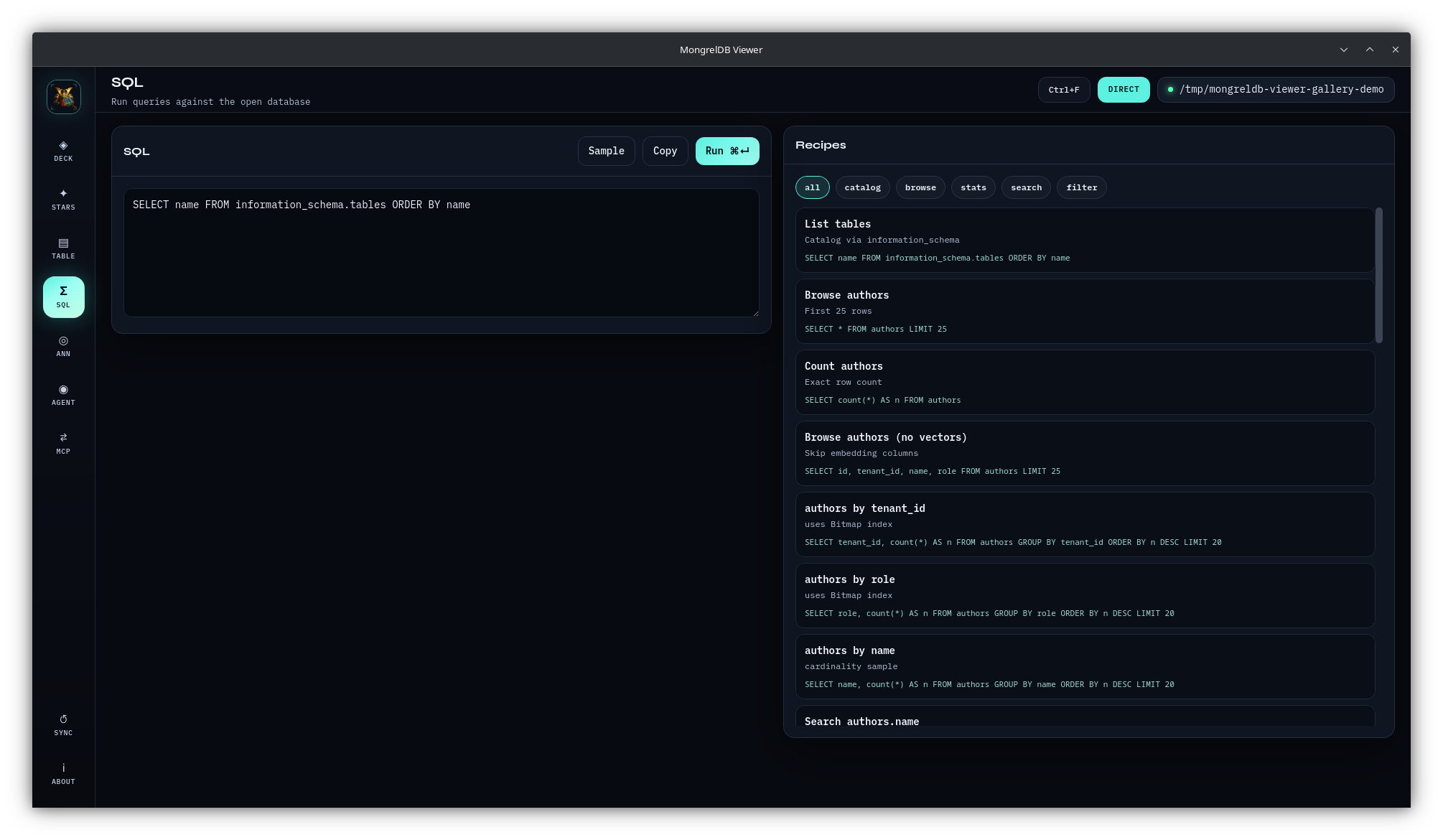 |
| Vector search | Agent chat |
|---|---|
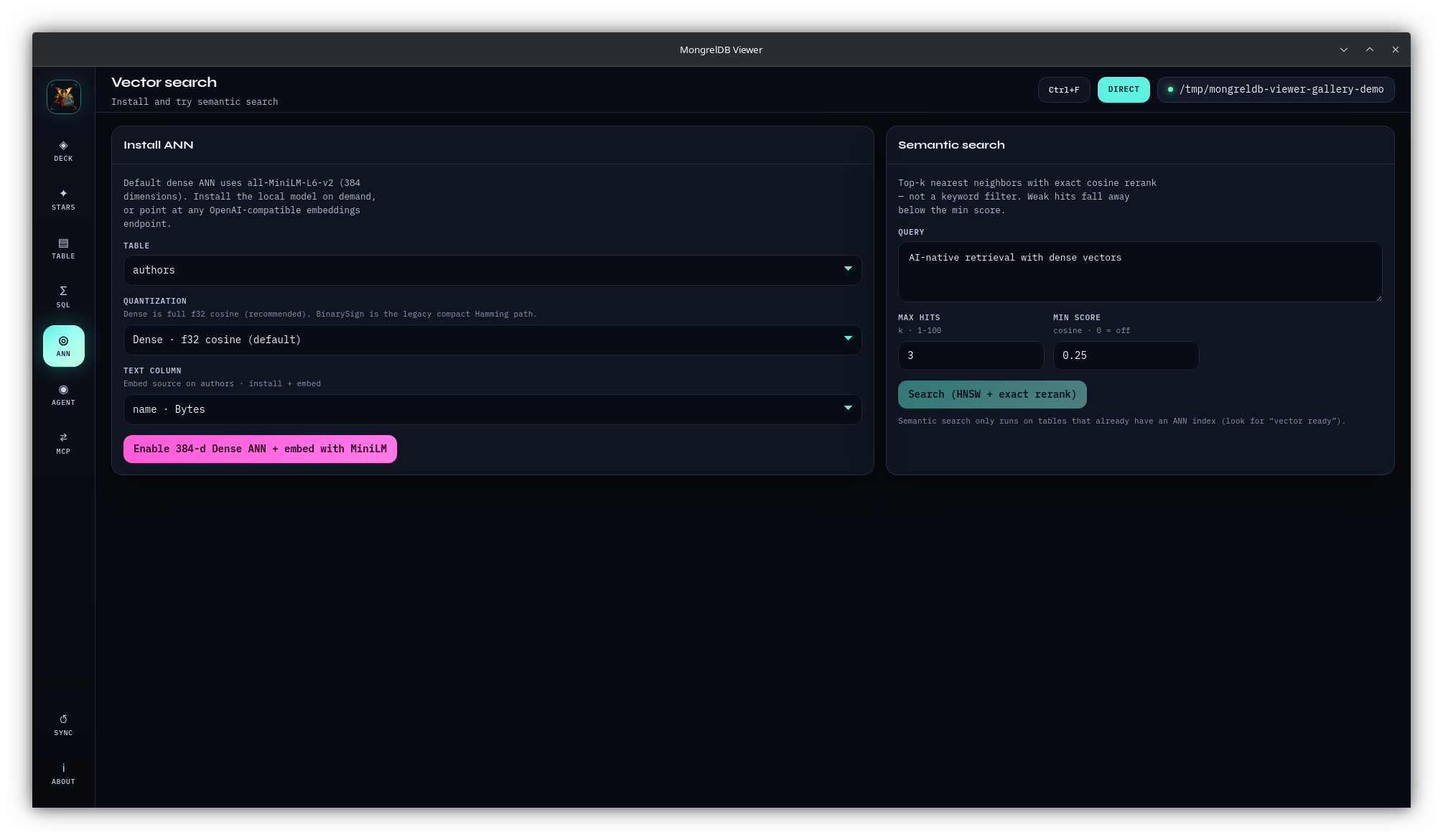 | 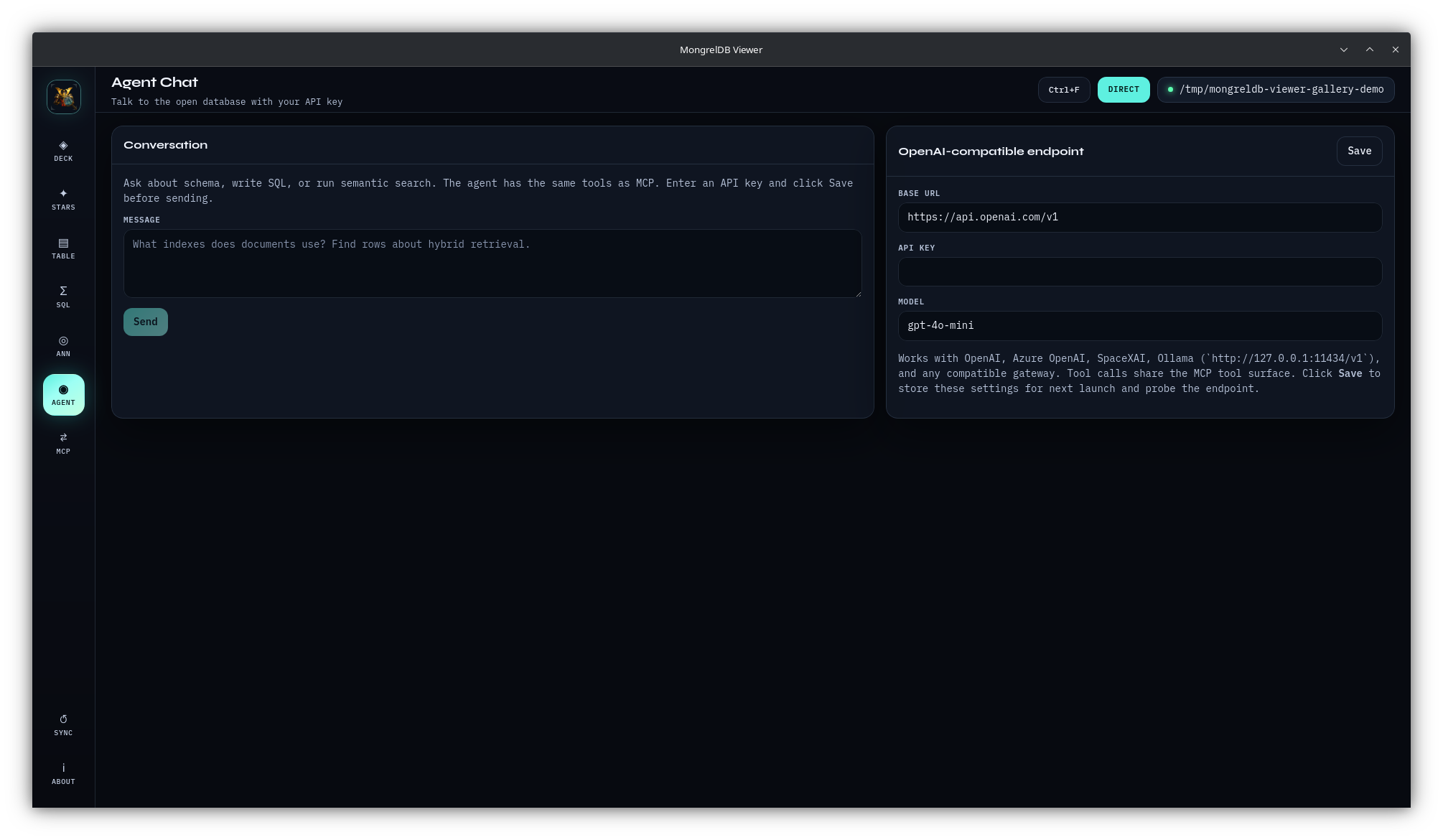 |
| MCP bridge | About |
|---|---|
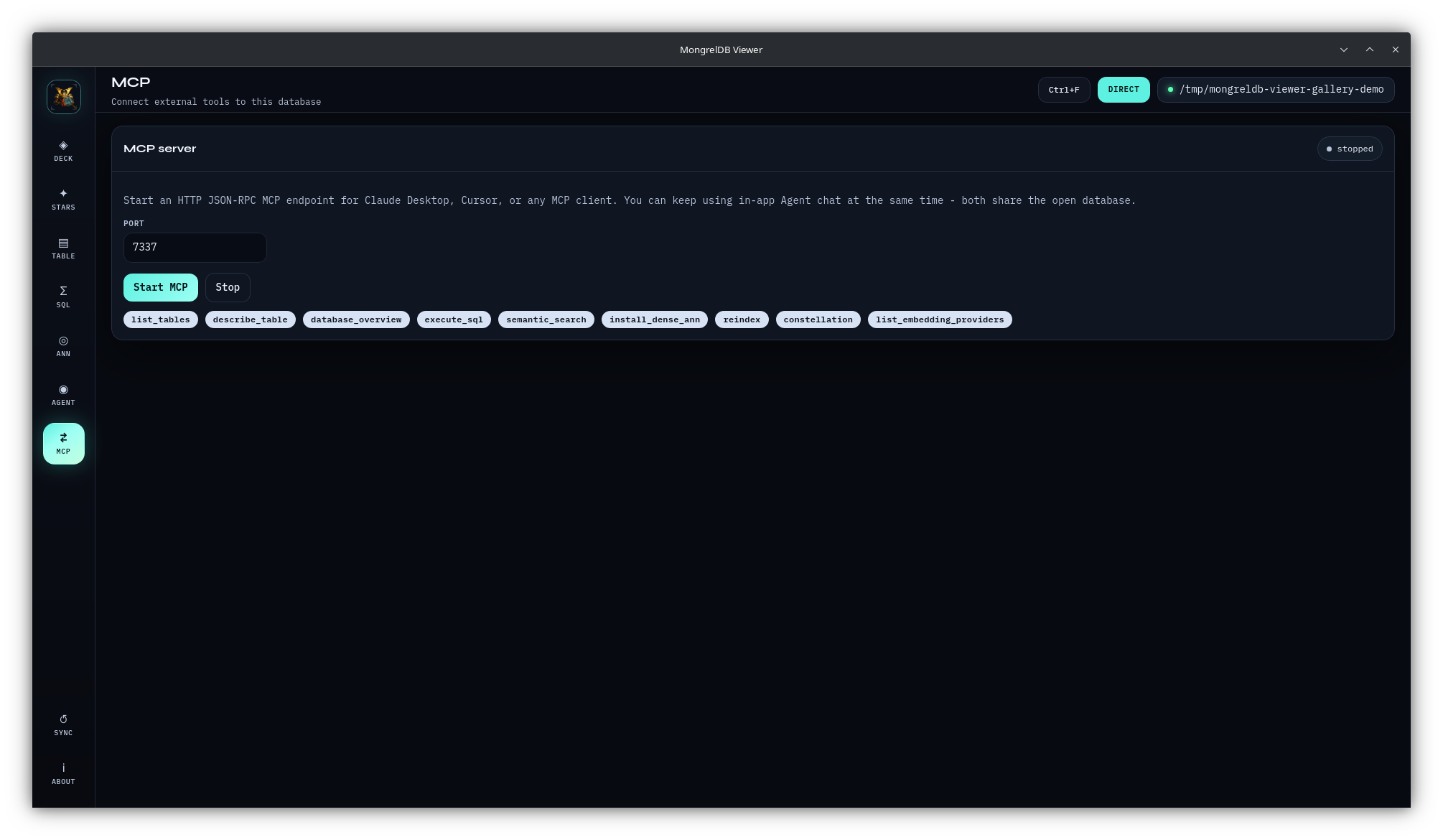 | 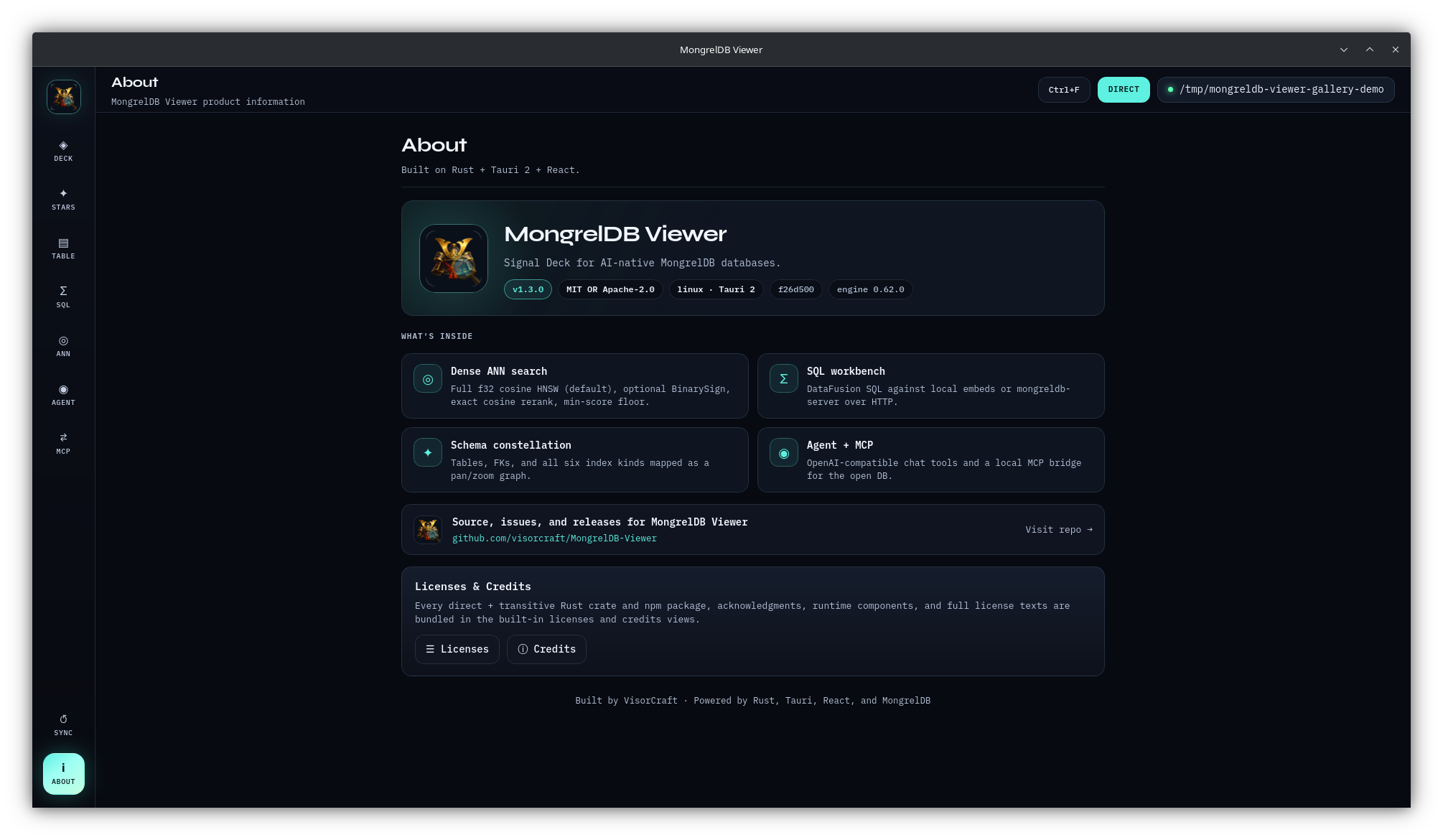 |
Install
Download a package, when attached, from GitHub Releases. If no package matches your platform, build from source:
git clone https://github.com/visorcraft/MongrelDB-Viewer.git
cd MongrelDB-Viewer
npm ci
npm run tauri build
Source builds need Rust 1.88+, Node.js 22+, and the native libraries
required by Tauri 2. Bundles are written below
src-tauri/target/release/bundle/.
See installation and builds for platform prerequisites, development mode, Linux display behavior, upgrades, and model downloads.
Five-minute tour
npm ci
npm run tauri dev
Then:
- Leave Direct folder selected.
- Choose an empty directory.
- Click Create demo DB.
- Open Deck, Stars, Table, and SQL.
- In ANN, search
hybrid retrieval across indexes.
Demo creation writes six tables, foreign keys, representative secondary
indexes, a 384-dimensional embedding column, and dense HNSW ANN. The first run
may download all-MiniLM-L6-v2. If the download is unavailable, demo creation
can fall back to zero vectors; use Re-embed from text column after the model
becomes available.
The demo button hides after its first successful use. Reopen the demo through Recent or Direct folder on later launches. The complete walkthrough and schema are in first launch and demo.
Product surfaces
The Viewer recognizes all six public MongrelDB secondary-index families: Bitmap, LearnedRange/PGM, FM, ANN, Sparse, and MinHash.
Safety before use
- SQL, Agent, and MCP tools are not read-only. They can run DDL, DML, REINDEX, and ANN installation without a per-statement confirmation dialog.
- Direct mode owns an exclusive database lock. Disconnect before another exclusive process opens the root, and disconnect before filesystem backups.
- The in-app MCP endpoint has no authentication. The UI binds it to
127.0.0.1; any local process that can reach the port can invoke its tools. - Clicking Save in Agent stores the base URL and model in WebView
localStorage. The API key remains in process memory and is cleared on exit. - Prompts and tool results sent to a remote chat endpoint can contain database data.
Read the security policy and operations guide for the full trust model and local-data inventory.
Documentation
Start here:
Use the application:
- Deck
- Schema map
- Table browser and maintenance
- SQL workbench
- Vector search and ANN
- Agent chat
- MCP bridge
- About, licenses, and credits
Operate and extend it:
- Configuration, local data, and troubleshooting
- Architecture and internal interfaces
- Contributing
- Security
Architecture at a glance
React + TypeScript
       |
       | Tauri invoke
       v
Rust command layer
       |
       +-- Direct: mongreldb-core + mongreldb-query
       |
       +-- Server: mongreldb-client + HTTP
       |
       +-- Embeddings: fastembed MiniLM
       |
       +-- Shared tools: Agent chat + MCP HTTP/stdio
The active connection and embedding hub are shared by SQL, Agent, and in-app MCP. Stdio MCP is a separate process and must open its own Direct or Server connection. See architecture for lifetimes, data flows, trust boundaries, source layout, and extension points.
Development gate
npm ci
npm run build
cargo fmt --manifest-path src-tauri/Cargo.toml --check
cargo clippy --manifest-path src-tauri/Cargo.toml --all-targets --all-features -- -D warnings
cargo test --manifest-path src-tauri/Cargo.toml
Dependency changes also require:
scripts/regen-credits.sh
Full workflow: CONTRIBUTING.md.
Support and policy
- Bugs and feature requests: GitHub Issues
- Vulnerabilities: use private reporting described in SECURITY.md
- MongrelDB engine questions: visorcraft/MongrelDB
Related tools
- Mongrel — Commercial multi-system workbench with native MongrelDB support.
- MongrelDB Viewer — Free, open-source MongrelDB GUI and MCP server.
License
MongrelDB Viewer is available under MIT OR Apache-2.0. See LICENSE-MIT and LICENSE-APACHE.